

Secure videos containing sensitive data: anonymization, access, storage (practical guide) (2026)

Secure videos containing sensitive data: practical guide
Do you need to share surveillance videos, customer studies, or internal recordings with external vendorså Securing this content is crucial—both to protect the people filmed and to comply with your legal obligations.
This guide covers the three pillars of video security: anonymization, access control, and secure storage.
Why secure your enterprise videoså
Professional videos often contain sensitive data without us realizing it:
- Faces of employees, customers, visitors
- License plates in parking lots
- Computer screens with confidential data
- Badges and uniforms identifying people
- Paper documents visible in the frame
A leak of this data can lead to:
- GDPR sanctions (up to 4% of revenue)
- Lawsuits for privacy violations
- Loss of trust from customers and employees
- Significant reputational damage
Pillar 1: Anonymization of visible data
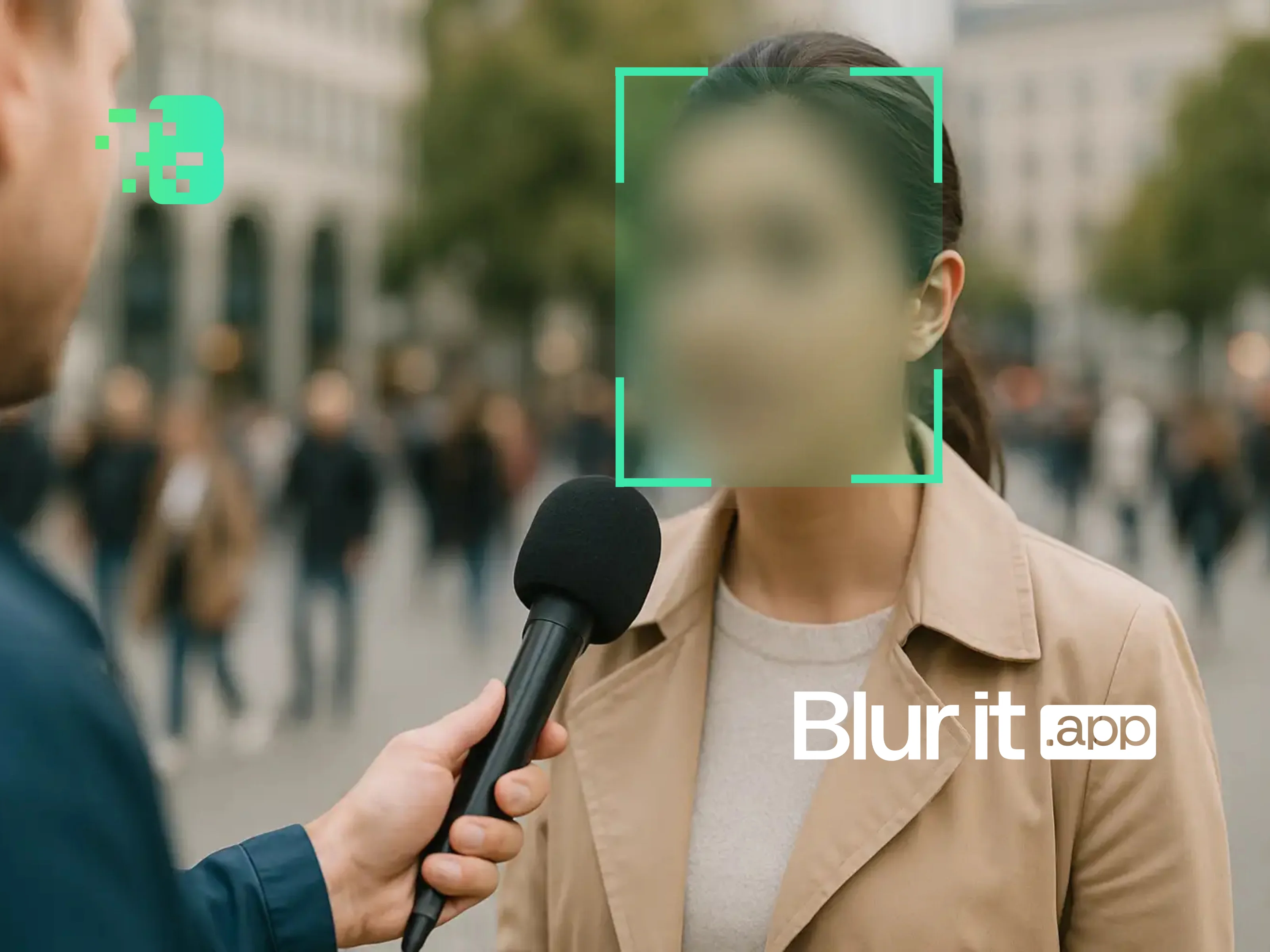
Anonymization consists of making it impossible to identify people and sensitive data in the video.
What should you anonymize?
- All faces not related to the video's purpose
- License plates
- Screens displaying personal or confidential data
- Badges with names/photos
- Any element allowing indirect identification

Anonymization methods
| Method | Advantages | Disadvantages |
|---|---|---|
| Pixelation | Irreversible, recognized standard | May affect readability |
| Gaussian blur | More natural rendering | Must be strong enough |
| Masking (black/color) | Total anonymization | Loss of contextual information |
| Automatic AI | Fast, precise detection | Cost depends on volume |
Pillar 2: Access control
Even anonymized, a video can contain sensitive information. Limit access to people who really need it.
Best practices
- Strong authentication: Require identification to access videos
- Granular rights: Differentiate viewing, downloading, sharing
- Traceability: Log all access and downloads
- Automatic expiration: Limit the validity period of sharing links
- Watermarking: Add an invisible watermark to trace leaks
Sharing with external vendors
When sharing videos with vendors:
- Anonymize first data not necessary for their mission
- Sign a confidentiality agreement (NDA) or GDPR subcontracting contract
- Use a secure channel (no regular email for large files)
- Define a maximum retention period
Pillar 3: Secure storage
Where to store your sensitive videoså
- On-premise servers: Total control, but infrastructure cost
- Private cloud: Flexibility with data isolation
- Public cloud (compliant): Check data location and certifications
Selection criteria
- Data location: Prefer Europe for GDPR
- Encryption: At rest AND in transit
- Certifications: ISO 27001, SOC 2, HDS (health)
- Retention policy: Automatic deletion after X days
Recommended retention periods
- Classic surveillance: 30 days max (CNIL)
- Incident videos: Until resolution + statute of limitations
- Anonymized customer studies: According to project needs
Video security checklist
- ☐ All non-essential faces are anonymized
- ☐ License plates are blurred
- ☐ Screens with data are masked
- ☐ Access is limited to authorized people
- ☐ Downloads are traced
- ☐ Storage is encrypted and located in Europe
- ☐ A retention policy is in place
Try Blurit.app on your videos
To quickly anonymize your enterprise videos before sharing, Blurit.app automatically detects and blurs faces and plates. 100% online processing, data hosted in Europe.
Try Blurit.app for free — AI anonymization, GDPR compliant, results in minutes.
Note: This guide presents general best practices. Adapt them to your context and consult an expert for complex cases.