

Best Way to Blur Faces in Videos on Mobile
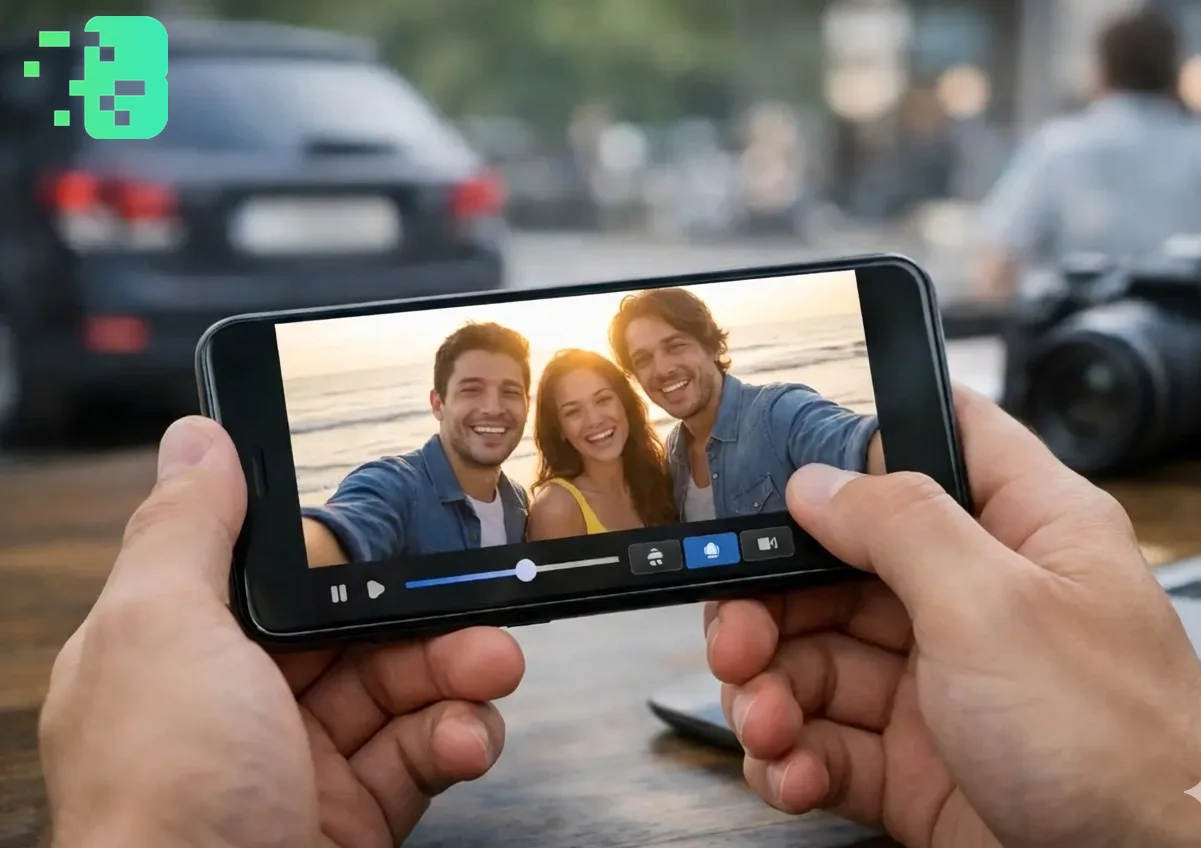
Best Way to Blur Faces in Videos on Mobile
Privacy matters more than ever in today's digital world. Whether you're sharing family moments, creating content for social media, or protecting identities in your videos, knowing how to blur faces in videocontent is essential. This guide shows you the best methods to blur faces, license plates, and backgrounds directly from your mobile device. This expert guide focuses on VIDEO privacy: how to BLUR a FACE (and other identifiers) for GDPR and PRIVACY compliance.
Quick checklist (GDPR & video privacy)
- VIDEO can contain personal data (faces, voices, plates) — treat it as GDPR/PRIVACY sensitive.
- Apply FACE BLUR before publishing or sharing video externally (social media, press, client reviews).
- Keep a lawful basis (consent/legitimate interest), retention limits, and access controls documented.
- Prefer automated detection + manual review for edge cases (fast motion, occlusions, low light).
Fast workflow (video blur)
- Open the clip in Blurit.app Studio.
- Select FACE BLUR (or object/plate blur) and review detections frame-by-frame.
- Export a privacy-safe video and keep an audit trail for GDPR requests.
If you need higher volumes or team workflows, see Plans & Pricing.
Why Blur Faces in Videoså Before diving into the how-to, let's understand why
face blurring matters:
Privacy protectionfor minors and non-consenting individuals; Security compliancefor sensitive footage.
Professional content creationrequiring anonymity; Social media safetywhen sharing public recordings.
The Best Mobile Solution: blurit.app
When it comes to blur videocontent on mobile, blurit.app offers the most efficient solution. Thisface blur online toolworks directly in your mobile browser—no app download required.
Key Features: AI-Powered Detection: Theface blur AI toolautomatically identifies
and blurs faces with remarkable accuracy. Simply upload your video, and the AI does the heavy lifting. Multiple Blur Options: Beyond face blurring, you can:
Blur license plateand number plate information; Blur backgroundto emphasize subjects.
Blur image backgroundin video frames; Apply custom blur to specific areas Bulk Processing: Need to blur faces in videofiles in batcheså Blurit.app supportsbulk upload, saving you valuable time when working with multiple clips.
How to Blur Faces on Mobile (Step-by-Step)
Open Blurit.app.comon your mobile browser; Upload your videoor select from gallery.
Choose "Face Blur"from the options menu; Let AI detect facesautomatically (or manually select areas).
Adjust blur intensityto your preference; Downloadyour privacy-protected video The entire process takes under a minute for most videos.
Privacy Matters: When You Must Blur Faces Understandingwhentoface bluris just as important as knowinghow
. Here are critical situations where blurring faces protects everyone involved:
Legal and Ethical Obligations Children's Privacy: Recording in schools,
playgrounds, or family events often captures other people's children. Using aface blur in videotool respects parental rights and protects minors from unwanted online exposure. Workplace Documentation: Training videos, security footage, or workplace recordings may requireface blurto comply with employee privacy rights and company policies. Public Spaces: Street photography, event coverage, or crowd footage should useblur faces in videofeatures for individuals who haven't consented to appear in your content.
Personal Safety Concerns Domestic Abuse Survivors: Content creators sharing
stories or testimonials often need to blur pictureand video content to protect survivors' identities from potential threats. Witness Protection: Documentary filmmakers and journalists rely onface blur ai tooltechnology to protect sources and witnesses while still telling important stories. Medical Content: Healthcare professionals sharing educational videos mustblur imagecontent to maintain HIPAA compliance and patient confidentiality.
Social Media Best Practices Did you know that facial recognition technology can
identify people across platformså By choosing to blur photoand video content before posting, you:
Prevent unwanted tagging and tracking; Protect friends and family from data harvesting.
Maintain control over who appears in your digital footprint; Reduce risks of identity theft and doxxing Pro Tip: Even when people consent to being filmed, they may not consent to facial recognition databases analyzing their features. Usingblur background of phototools or targeted face blurring gives everyone peace of mind.
Beyond Face Blurring: Other Mobile Privacy Features
Background Blurring Want to blur background of photoor video? Blurit.app'svideo
background blur AI freefeature creates professional-looking content by keeping subjects sharp while softening everything else. This Blurit.apptechnique works perfectly for:
Interview videos; Product demonstrations.
Tutorial content; Portrait-style clips.
License Plate Protection Recording in public spaceså Thelicense plate online
toolautomatically detects andblur number plateinformation, ensuring legal compliance and privacy protection in your footage.
Why Choose Blurit.app for Mobile Video Editing?
Unlike complex video editing apps that drain battery and storage, Blurit.app'sblur background onlineplatform is:
Browser-based– No installation needed; Mobile-optimized– Works smoothly on smartphones.
Fast processing– Most videos done in seconds; Privacy-first– Videos aren't stored on servers.
Conclusion Protecting privacy in your mobile videos doesn't require expensive software or technical expertise
. With Blurit.app'sface blurtechnology, you can quicklyblur video background, faces, and sensitive information right from your phone. Whether you need to blur picturecontent for social media,blur background videofor professional purposes, or simply protect identities, this mobile-friendly solution delivers professional results instantly. The importance of privacy protection cannot be overstated in our connected world. From safeguarding children's identities to complying with legal requirements, having a reliableface blur online toolat your fingertips makes responsible content sharing effortless. Blurit.app empowers you to create, share, and post with confidence—knowing that every person's privacy is respected and protected. Ready to secure your video content? Visit Blurit.app.comon your mobile device and start blurring faces in seconds—completely free to try.
Common Questions Answered Can I blur photo and video in the same session?Yes! Blurit.app handles both images and videos
. You canblur image files and videos using the same interface. Is this truly a "blur photo to clear photo" tool?While Blurit.app specializes in adding blur for privacy, it focuses on protecting identities rather than removing blur from already blurry content. Does the AI work offline?Theai background blurand face detection require internet connection for processing, but it's optimized for mobile data efficiency. How accurate is the automatic face detection?Blurit.app's AI achieves over 95% accuracy in well-lit videos. You can also manually adjust any areas the AI might miss. Can I blur multiple faces at once?Absolutely! Theface blur ai tooldetects and blurs all faces simultaneously, making it perfect for group videos and crowd footage.