

How to Blur Faces and License Plates from Dashcam Videos Easily
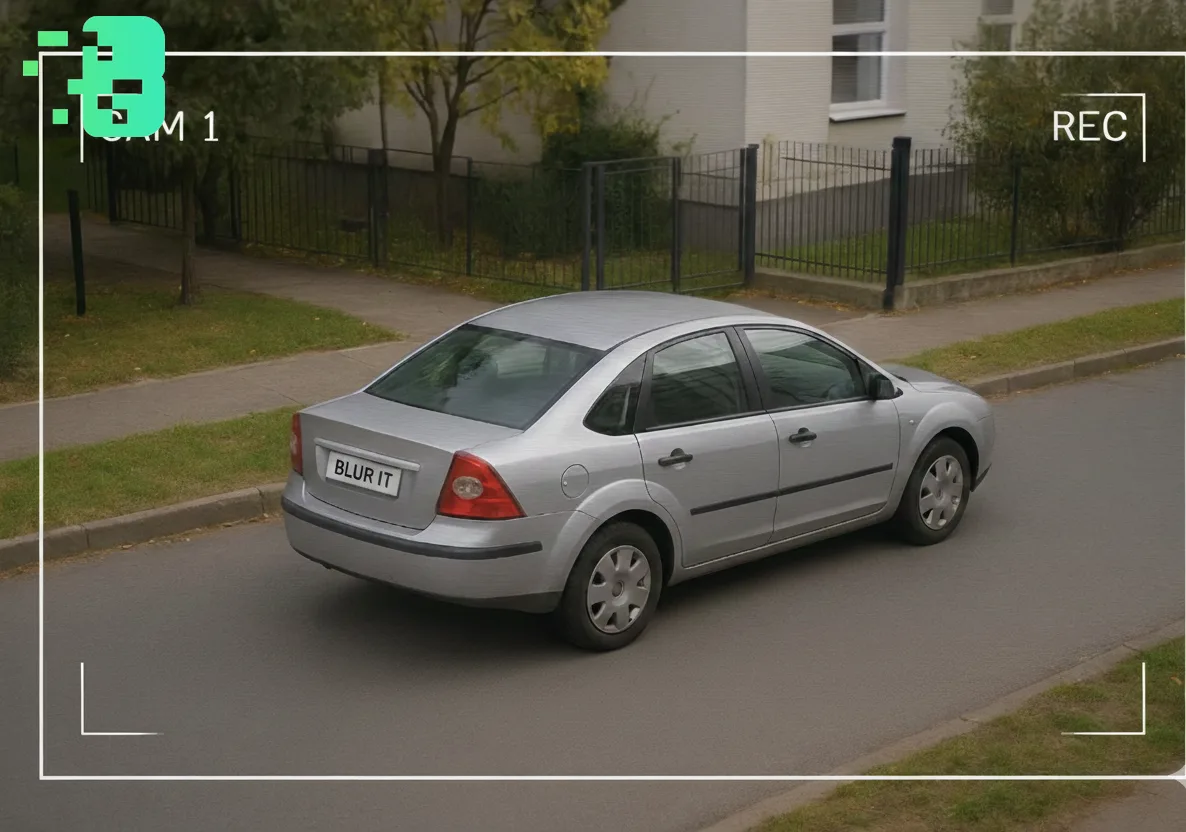
How to Blur Faces and License Plates from Dashcam Videos Easily
In today's world of dashcam videos, protecting privacy is crucial. Whether you're sharing footage online or submitting it as evidence, knowing how to blur face of dashcam videocontent is essential. This guide will show you the easiest methods to blur faces and license plates, ensuring privacy while maintaining video quality. This expert guide focuses on VIDEO privacy: how to BLUR a FACE (and other identifiers) for GDPR and PRIVACY compliance.
Fastest option: use the free blur license plate in video tool — automatic AI detection and tracking, no watermark.
Quick checklist (GDPR & video privacy)
- VIDEO can contain personal data (faces, voices, plates) — treat it as GDPR/PRIVACY sensitive.
- Apply FACE BLUR before publishing or sharing video externally (social media, press, client reviews).
- Keep a lawful basis (consent/legitimate interest), retention limits, and access controls documented.
- Prefer automated detection + manual review for edge cases (fast motion, occlusions, low light).
Fast workflow (video blur)
- Open the clip in Blurit.app Studio.
- Select FACE BLUR (or object/plate blur) and review detections frame-by-frame.
- Export a privacy-safe video and keep an audit trail for GDPR requests.
If you need higher volumes or team workflows, see Plans & Pricing.
Why You Need to Blur Faces and License Plates in Dashcam Videos Privacy laws
worldwide require protecting individuals' identities in public recordings. When youblur face in videocontent, especially dashcam footage, you're not only following legal requirements but also showing respect for others' privacy. License plate blur is equally important, as these identifiers can reveal personal information about vehicle owners.
Best Tools to Blur Face of Dashcam Video Online
1. Online Video Blur Tools Severalface blur tooloptions are available online
that require no software installation. These platforms use AI technology to automatically detect and blur faces in your dashcam videos. Simply upload your footage, and the tool handles the rest.
2. Why Blurit.app Stands Out Among all available options,Blurit.appemerges as
the best comprehensive solution for privacy protection. This powerful tool excels at detecting and blurring faces, license plates, and backgrounds simultaneously. With Blurit.app, you can achieve professional-gradepixelated blureffects without technical expertise. The platform's AI-powered detection ensures that every face and license plate in your dashcam videos is automatically identified and protected.
3. Desktop Software Solutions For more control over your blur effects, desktop
applications offer advanced features. These programs let you:
Track moving faces automatically; Choose between pixel blur and other blur effects.
Process multiple videos in batch.
Step-by-Step Guide: How to Blur Moving Face in Video
Using Blurit.app for Perfect Results Blurit.app simplifies the entire process of
addingface blurto your dashcam footage:
Upload Your Video: Access Blurit.app's intuitive interface and upload your dashcam videos; Auto-Detection: Blurit.app's advanced AI instantly identifies all faces andlicense plate blurrequirements.
Select Blur Type: Choose between various blur styles, including the popular pixelated effect; Preview and Adjust: Review the automated blurring and make any necessary adjustments.
Export: Download your privacy-protected video in high quality.
Manual Blurring Techniques
When you need precise control tocensor face in videocontent, Blurit.app also offers manual tools:
Frame-by-frame editing capabilities; Customlicense plate blur coveroptions.
Advanced Features for Professional Results
Background Blurring with Blurit.app What sets Blurit.app apart is its ability to
blur background onlinewhile maintaining focus on important elements. This makes it ideal for creating professionalvideo blur backgroundeffects. The platform's sophisticated algorithms ensure smooth, natural-looking results whether you're blurring faces, license plates, or entire backgrounds.
Making Your Background Blurry While Keeping Subjects Clear Blurit.app's
intelligent selection tools allow you tomake background blurrywhile preserving sharp details where needed. This dual functionality makes it perfect for both privacy protection and aesthetic enhancement of yourblur background on videocontent.
Common Challenges and Solutions
Tracking Moving Objects The biggest challenge indashcam footageis tracking faces and license plates that move quickly
. Blurit.app's motion tracking technology excels at following subjects throughout the video, ensuring consistent privacy protection even in fast-movingdashcam videos.
Maintaining Video Quality
When you blur face of dashcam video content using Blurit.app, the platform maintains exceptional quality by:
Preserving original resolution; Offering adjustable blur intensity.
Supporting all major video formats; Providing fast processing without quality loss.
Why Blurit.app is the Ultimate Solution Blurit.app combines all essential
features into one powerful platform:
Automatic Detection: Instantly identifies faces and license plates; Multiple Blur Options: From subtle gaussian to strongpixel blur.
Batch Processing: Handle multiple dashcam videos simultaneously; Cloud-Based: No software installation required.
Fast Processing: Get results in minutes, not hours.
Legal Considerations Different regions have varying requirements for privacy protection in public recordings
. Blurit.app helps ensure your blurred dashcam videos meet local regulations, making it safe to share online or submit as evidence.
FAQs Q: Can I blur face of dashcam video online without downloading software?A:
Yes, Blurit.app operates entirely online, allowing you to add face blur tools directly through your web browser. Q: How long does it take to blur moving face in video content with Blurit.appåA: Blurit.app typically processes videos within minutes, depending on length and quality, making it one of the fastest solutions available. Q: Is pixel blur or gaussian blur better for privacy protection?A: Pixelated blur is generally more effective for complete anonymization. Blurit.app offers both options, letting you choose based on your needs. Q: Can Blurit.app handle multiple faces and license plates simultaneously?A: Absolutely! Blurit.app's AI technology can detect and blur multiple faces and license plates in the same frame effortlessly.
Conclusion Protecting privacy in dashcam videos doesn't have to be complicated
. With Blurit.app as yourface blur tool, you can easily blur faces and license plates while maintaining video quality. This comprehensive platform offers automatic detection, smooth tracking, and professional results for all your privacy protection needs. Whether you need tovideo blurfaces, license plates, or backgrounds, Blurit.app provides the perfect all-in-one solution. Start protecting privacy in yourdashcam videostoday with Blurit.app's simple yet powerful blurring capabilities.