

How to blur a license plate in a video (automatically) (2026)
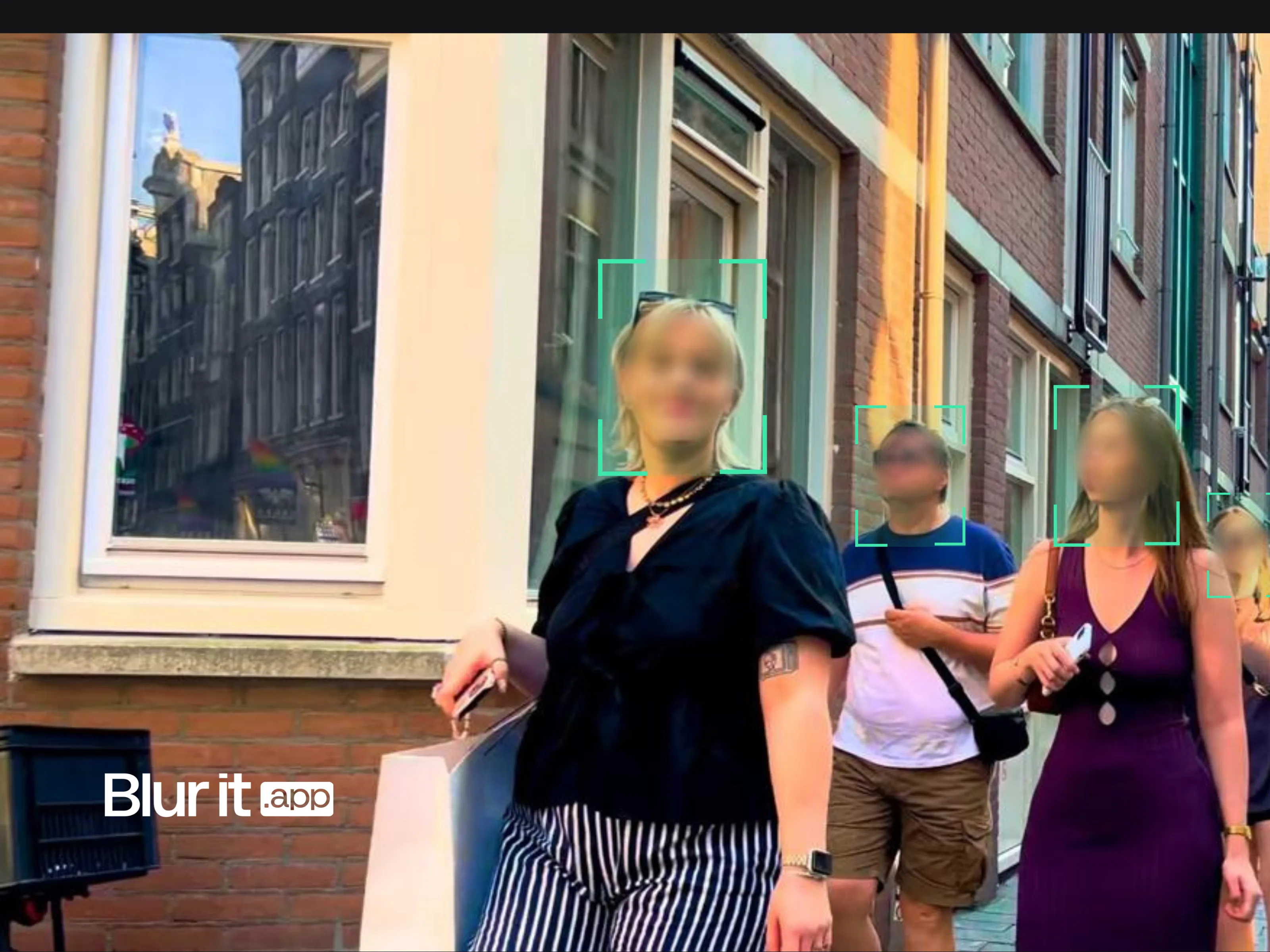
How to blur a license plate in a video (automatically)
Do you publish dashcam videos, motorcycle road trips, or vehicle tests on YouTube? Other vehicles' license plates must be blurred before publication. Here's how to do it quickly, and why it's important.
Fastest option: use the free blur license plate in video tool — automatic AI detection and tracking, no watermark.
Why blur license plateså
A license plate is personal data under GDPR. It allows identifying the vehicle owner. Publishing a video with readable plates can:
- Expose personal data: The owner can be identified
- Create legal problems: Takedown requests, reports
- Facilitate malicious acts: Plate theft, vehicle tracking
- Lead to demonetization: YouTube can penalize the video
Cases where blurring is essential
- Dashcam videos published on YouTube
- Vehicle tests with other visible cars
- Road trips and motorcycle vlogs
- Auto event videos (gatherings, outdoor shows)
- Content on traffic violations

Methods to blur plates
Method 1: Automatic AI blurring (recommended)
The most efficient solution for automotive content creators. A tool like Blurit.app automatically detects license plates in the video and blurs them.
Advantages:
- Automatic detection of all plates
- Tracking of moving vehicles
- Fast processing even for long videos
- Ability to blur faces too
Ideal for: Dashcam creators, motovloggers, car testers.
Method 2: Manual blurring in editing software
With Premiere Pro, Final Cut, or DaVinci Resolve, you can add a blur effect and create manual tracking.
Advantages:
- Total control over rendering
- Free if you have the software
Disadvantages:
- Extremely time-consuming (each plate = manual tracking)
- Difficult with multiple vehicles
- Risk of omissions
Method 3: Native YouTube blurring
YouTube offers a blurring tool after upload, but it's mainly designed for faces.
Disadvantages:
- Unreliable plate detection
- Requires publishing first (even unlisted)
- Not suited for dashcams
Specifics of dashcam videos
Dashcam videos present particular challenges:
- Large number of plates: Every vehicle passed or crossed
- Fast movements: Vehicles enter and exit the frame
- Long durations: A trip can last hours
- Variable quality: Resolution, changing brightness
For these reasons, automatic AI blurring is particularly recommended for dashcam content.
Best practices
1. Blur BEFORE publishing
Never publish an unblurred video, even privately. Once online, it can be downloaded.
2. Check the entire video
Plates can appear in reflections (mirrors, windows) or in the background.
3. Don't forget faces
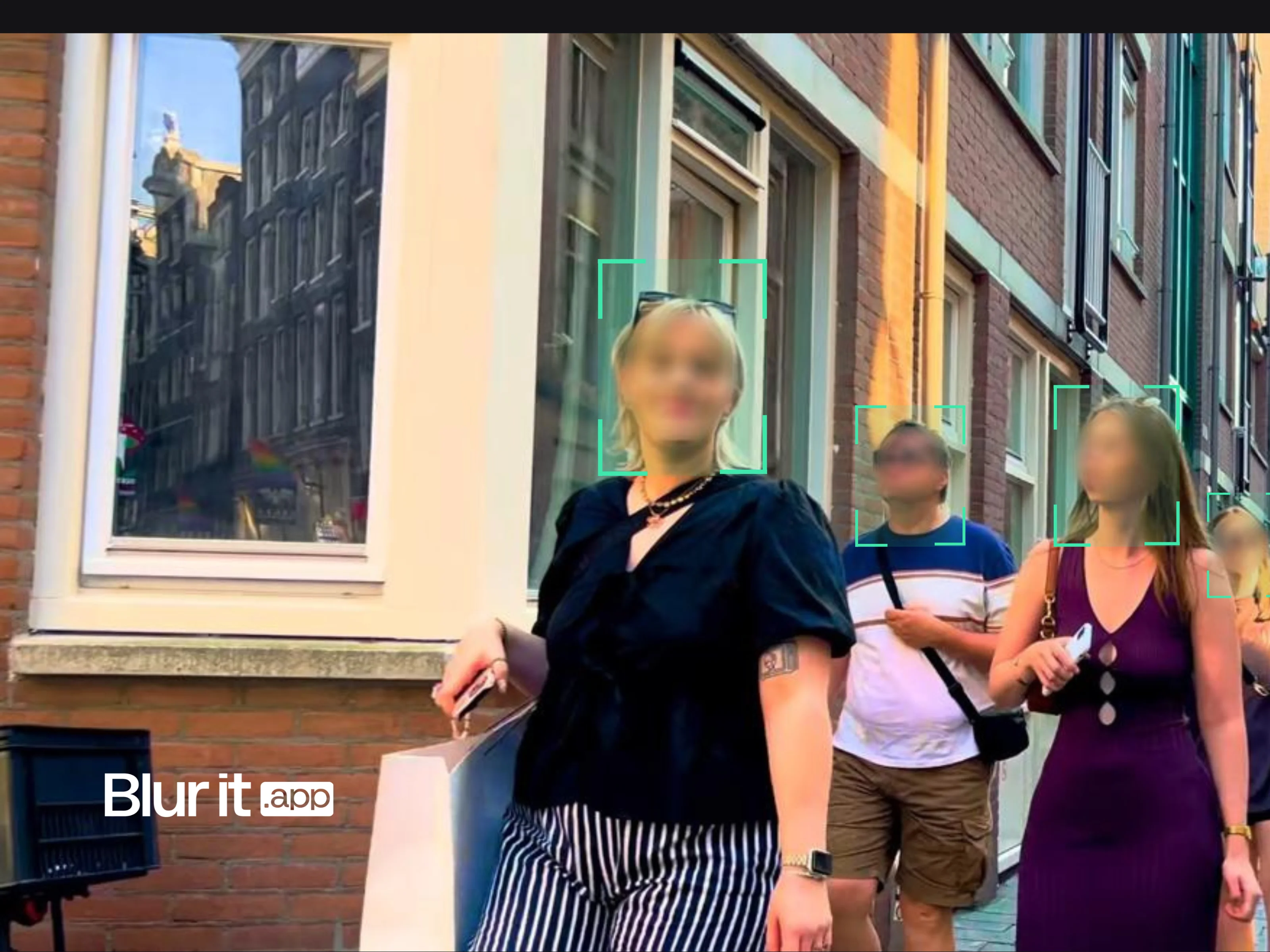
If pedestrians or drivers are visible, blur their faces too.
4. Maintain sufficient quality
Blurring should make the plate unreadable, but not distort the entire image.
Solution comparison
| Solution | Plate detection | Time (10 min video) | Price |
|---|---|---|---|
| Blurit.app | Automatic (AI) | 5-10 min | Free / €9/month |
| Manual editing | Manual | 2-4 hours | Free |
| YouTube Studio | Basic | 30-60 min | Free |
Try Blurit.app on your videos
To automatically blur all license plates in your dashcam or motorcycle videos, try Blurit.app. AI detects plates even in fast motion.
Try Blurit.app for free — 3 free videos, automatic plate detection, results in minutes.
Note: This guide presents several methods. Choose the one adapted to your video volume and budget.