

How to pixelate a video online: a simple video pixelation guide (2026)

How to pixelate a video online: a simple video pixelation guide (2026)
Pixelating a video is a fast and effective way to protect privacy online. Whether you need to hide identifiable faces or cover sensitive information, video pixelation is one of the simplest options. Discover how to pixelate videos using the online video pixelation tool Blurit.app.
Fastest option: pixelate a video online — automatic AI detection and tracking, no watermark.
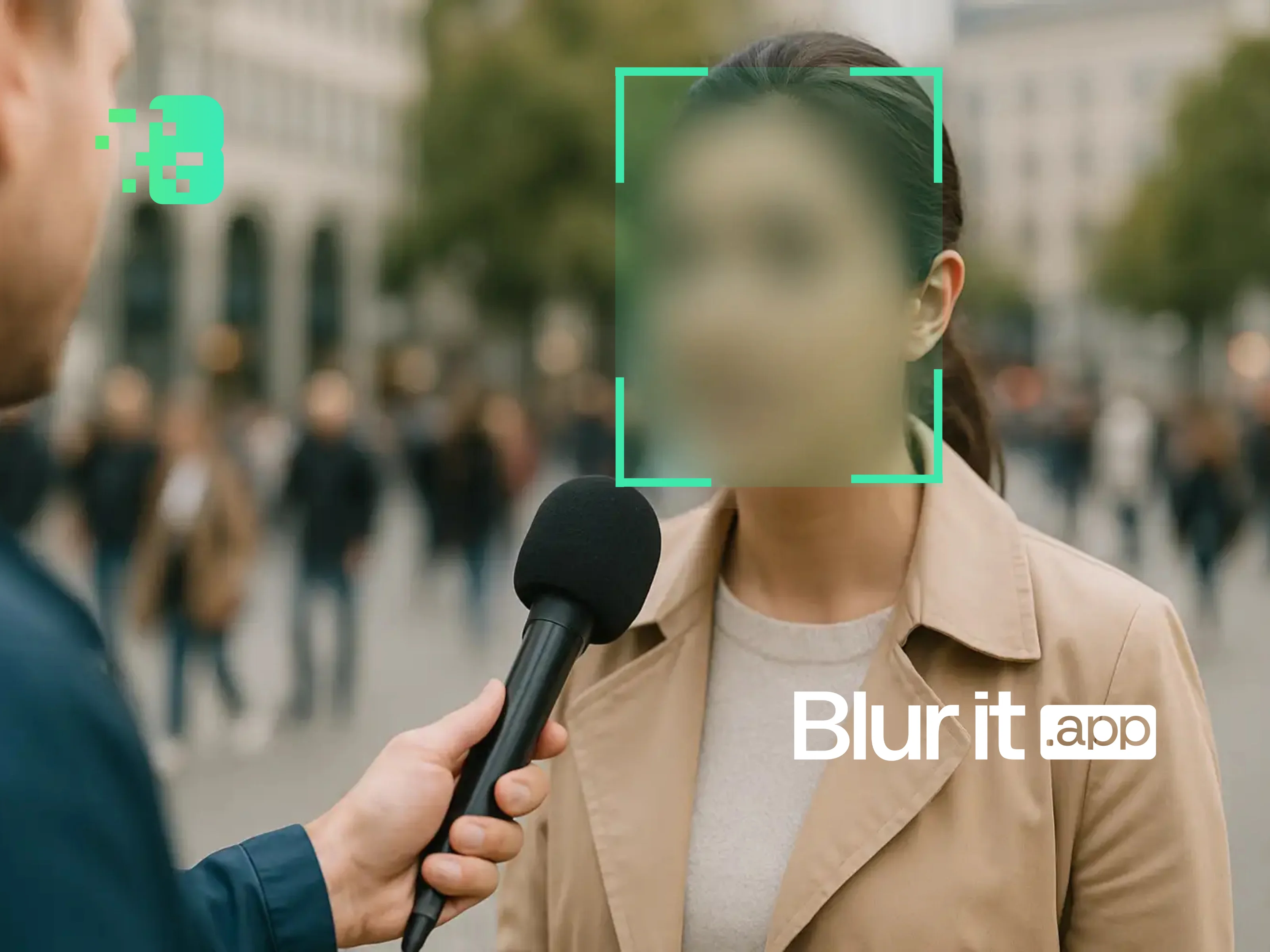
Learning how to pixelate a video is something every content creator should know in 2026—especially when the internet never forgets. Whether to protect the identity of passersby in your vlogs, mask private information like license plates or screens, or simply respect the right to image, pixelating videos is the simplest way to keep sensitive details off the public web.
In this guide, you'll learn how to pixelate a video online using Blurit.app, an AI-powered tool that automatically detects faces, plates, and sensitive objects and instantly transforms them into pixelated areas.
What does it mean to pixelate a video?
Pixelating a video involves transforming a selected part of the video into visible square blocks. This effect obscures details, making the content unrecognizable throughout the video sequence.
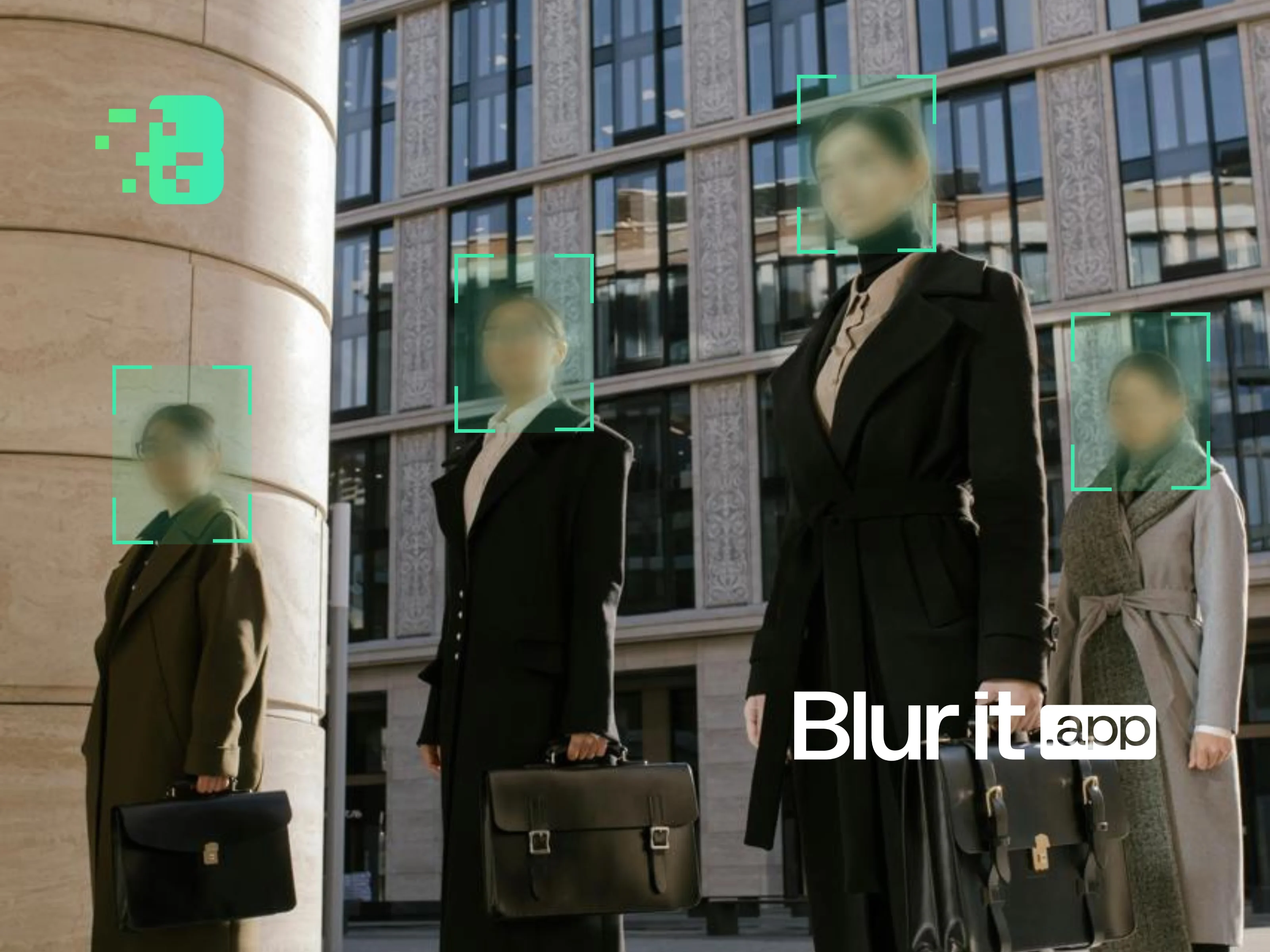
Common uses of video pixelation include:
- Hiding faces in street videos, vlogs, or street interviews
- Masking sensitive text, such as addresses, identification numbers, or license plates
- Protecting privacy in surveillance videos, dashcams, or social media content
- Anonymizing witnesses in reports or documentaries
Unlike traditional blurring, pixelation offers a bold artistic effect while achieving the same goal: confidentiality and discretion.
How to pixelate a video with Blurit.app
At Blurit.app, our AI-powered tools simplify video pixelation for professionals and everyday users alike. Follow these steps to pixelate a video in a few clicks:
1) Access Blurit Studio
Open the online platform Blurit.app in your browser. No installation required, everything works directly from your browser.
2) Upload your video
Select and upload the video you want to pixelate. Blurit.app supports MP4, MOV, AVI formats and many other common video formats.
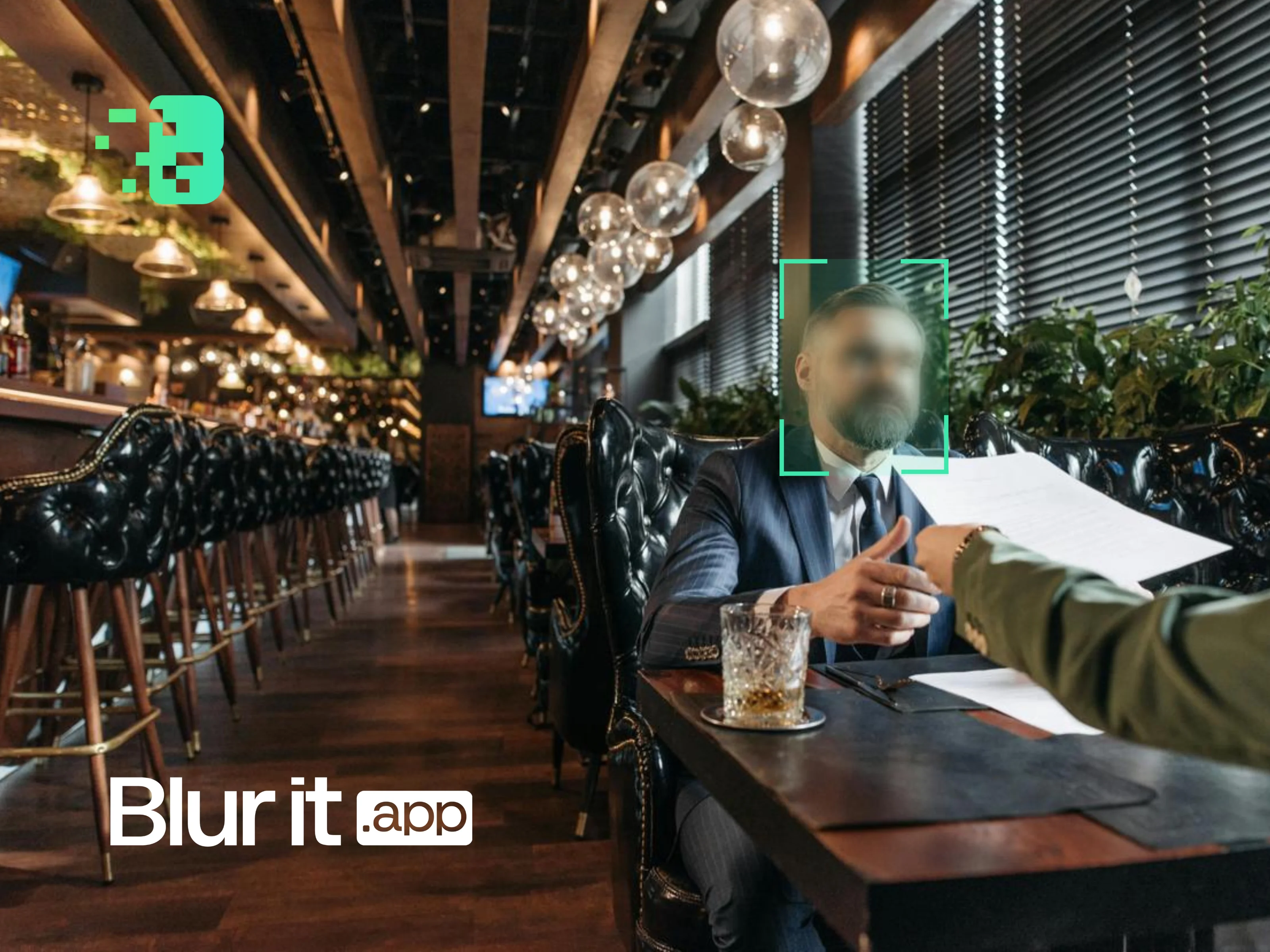
3) AI automatically detects sensitive areas
Blurit.app's artificial intelligence automatically analyzes your video and detects faces, license plates, and other identifiable elements. You can then choose to pixelate or blur these areas.
4) Select the type of pixelation
Use the "Pixelate" option in the editing dashboard and adjust the level and size of your video pixelation according to your needs.
5) Save and share
Once satisfied with the result, save your modified video or export it directly to the desired platform (YouTube, TikTok, Instagram, etc.).
With Blurit.app's intuitive interface, even beginner users can pixelate a video like pros.
But why pixelate a video?
Video pixelation isn't just about aesthetics. It plays a crucial role in:
- Privacy protection: avoid exposing identifiable information or visuals you don't want to make public
- Legal compliance: protect personal data to comply with privacy laws like GDPR or CCPA
- Respect for image rights: anonymize people filmed without their explicit consent
- Content customization: create a unique design effect for marketing visuals or creative campaigns
Pixelating a video for social media
Social platforms like Instagram, TikTok, and YouTube often require additional privacy measures. Pixelating sections of videos ensures:
- Platform policy compliance: respect privacy protection rules
- Protection of sensitive details in viral content
- A polished look for brand visuals
Pixelation vs. Blurring: which to choose?
Blurit.app users often ask: should I blur or pixelate my video? The choice depends on your goals:
- Use blurring for a softer, more subtle effect that doesn't draw much attention
- Use pixelation for a deliberate, bold privacy solution that clearly communicates intentional masking
Blurit.app lets you choose between both effects according to your needs.
Why choose Blurit.app to pixelate your videoså
As a leader in AI video anonymization tools, Blurit.app offers:
- Precision: pixelate videos with unmatched accuracy thanks to AI
- User-friendly design: no technical skills required, intuitive interface
- Secure processing: we prioritize your privacy, ensuring all modifications are processed securely
- Speed: automatic processing that saves hours of manual work
- 100% online: no need to install software, everything works from your browser
Why trust Blurit.app to pixelate your videos online?
At Blurit.app, we know that privacy on the internet is no longer optional—it's a necessity. Our team designed Blurit.app to make video pixelation and blurring fast, precise, and private for everyone, regardless of your editing skill level.
Our AI-powered system automatically detects faces, bodies, license plates, and sensitive objects, saving you hours of manual masking or complicated software.
We don't just talk about visual privacy; we build the tools for it. Blurit.app's browser-based platform ensures your videos are processed securely, allowing you to maintain total control over what is uploaded and shared.
So when we explain how to pixelate a video online, it's not theory—it's tested, verified, and designed to make your visual privacy effortless.
Try Blurit.app on your videos
Try Blurit.app for free: 100% online, no credit card. Pixelate your first videos for free and discover the simplicity of automatic anonymization.
Note: This article presents possible methods, but it is written to help you succeed quickly with Blurit.app.