

Blackout vs blur vs pixelation: what to use to anonymize a face in a video? (Guide 2026)
Blackout vs blur vs pixelation: what to use to anonymize a face in a video? (Guide 2026)
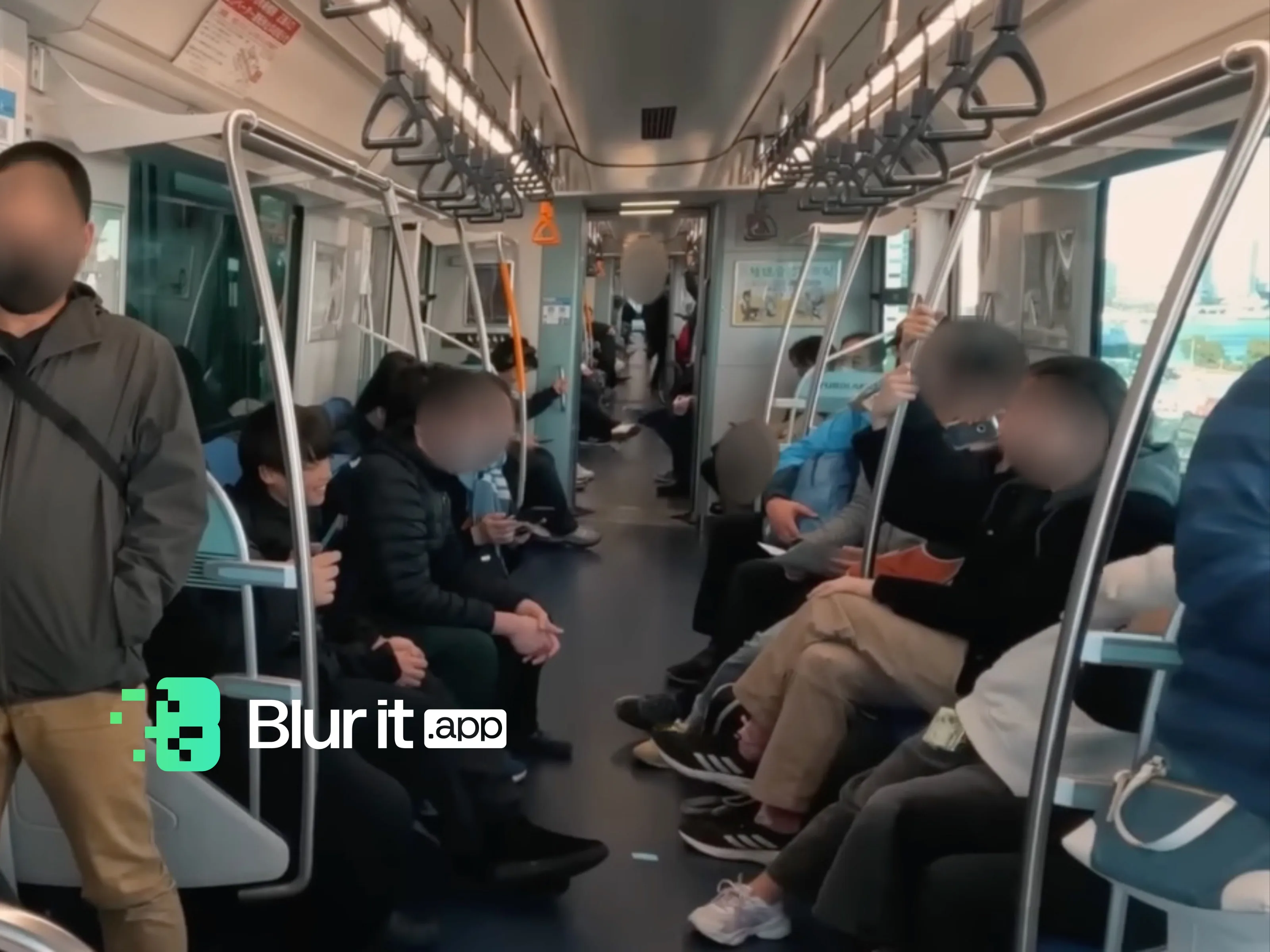
Filming in public and want to publish without exposing passersby? In 2026, three approaches dominate: blackout (black mask), blur, and pixelation. Here's when to use each technique and how Blurit.app helps you apply the right one.
Fastest option: pixelate a video online — automatic AI detection and tracking, no watermark.
Blackout: maximum protection, very visible rendering
- Ideal if content is sensitive (security, health).
- Less aesthetic: draws attention.
Blur: the most natural compromise
- Often the best choice for creators.
- Watch the intensity (too weak a blur can still reveal).
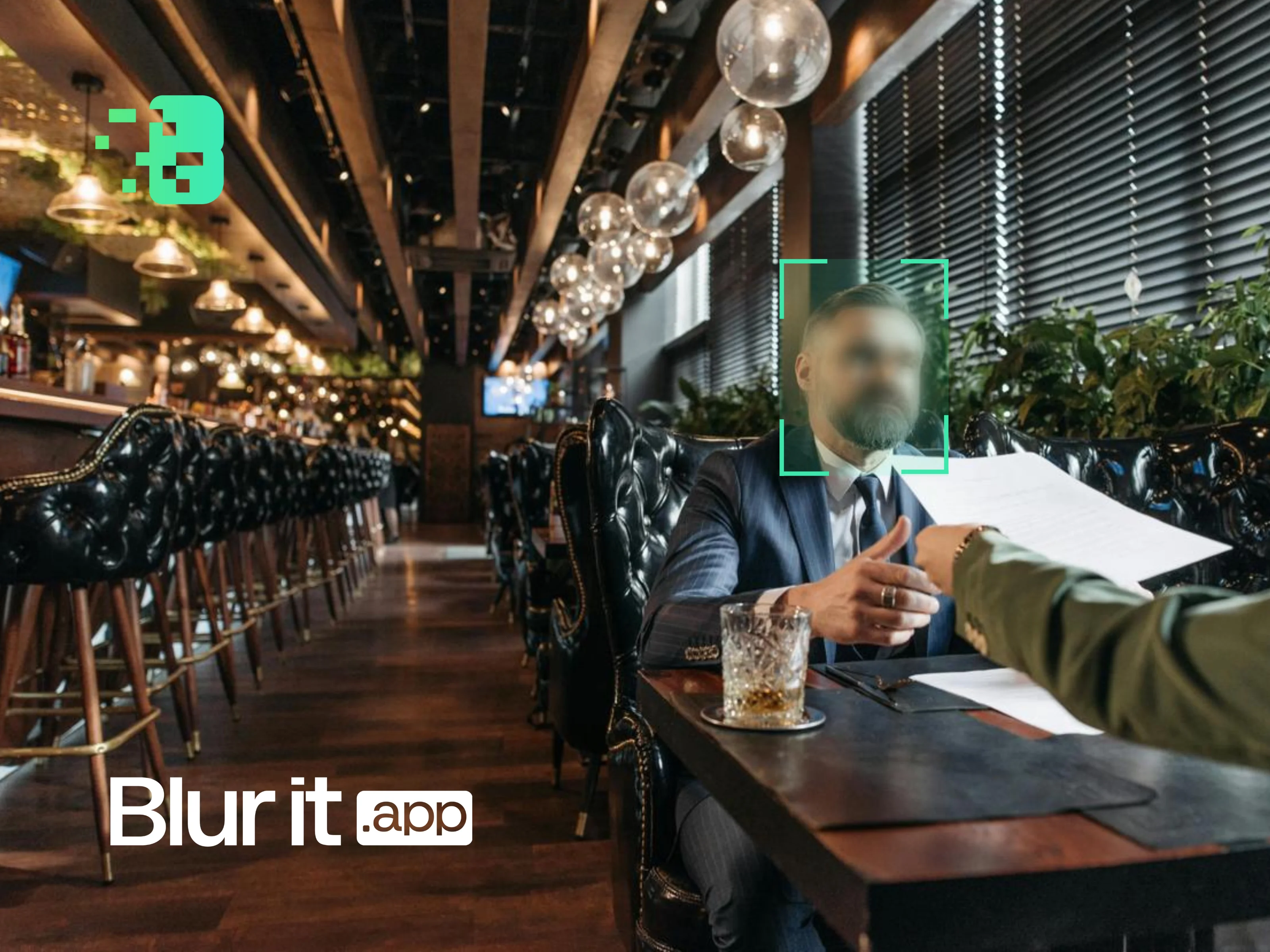
Pixelation: useful if you want to keep context
- Keeps shape without detail.
- May be insufficient on some resolutions if too light.
Simple rule in 2026
- Wide distribution: strong blur / solid pixelation.
- Very sensitive content: blackout.
Try Blurit.app on your videos
Test Blurit.app to automatically mask faces (blur/pixelation/masking) and export a video ready to publish.