

Make Reaction Videos Look Pro With Background Blur
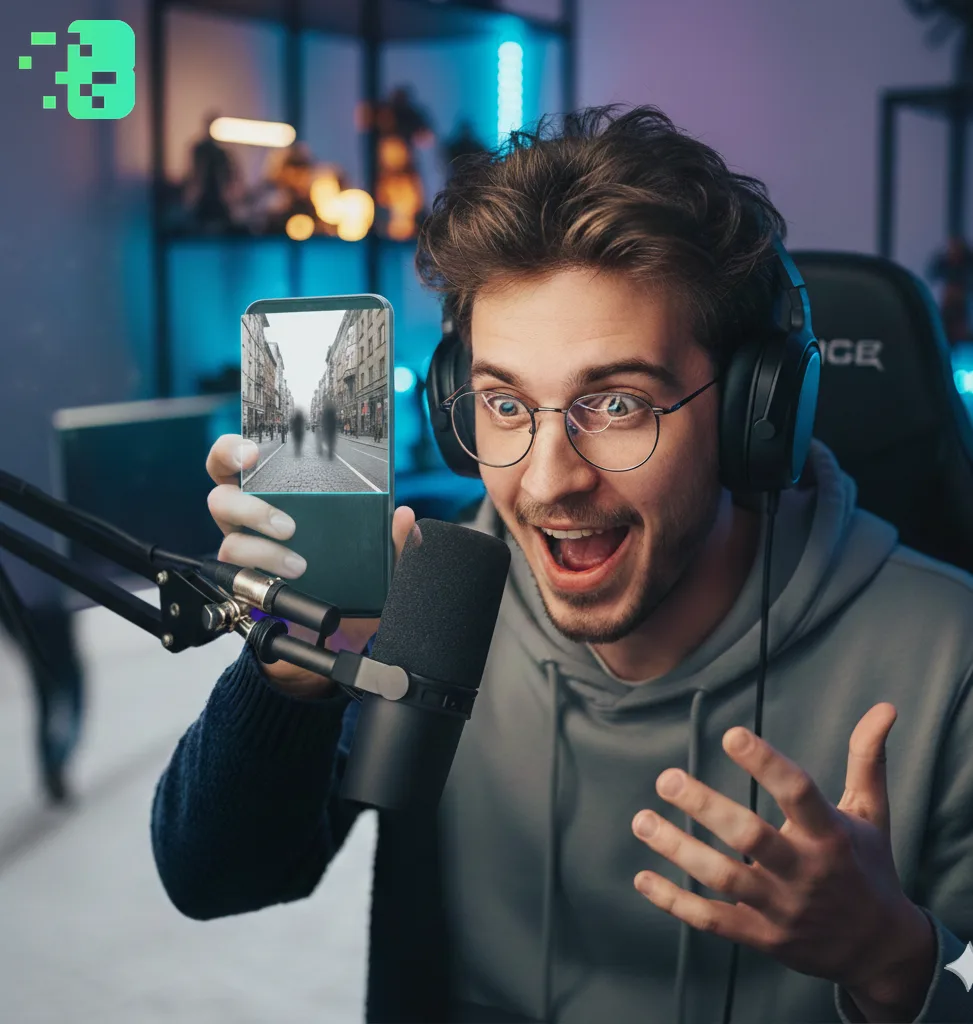
Make Reaction Videos Look Pro With Background Blur
Introduction Background blur helps focus attention on the subject and gives
reaction videos a cleaner, more professional feel. It can also be combined with face or plate detection to protect privacy. This expert guide focuses on VIDEO privacy: how to BLUR a FACE (and other identifiers) for GDPR and PRIVACY compliance.
Want the fastest route? Use the free blur video background tool — AI keeps the subject sharp, no watermark.
Quick checklist (GDPR & video privacy)
- VIDEO can contain personal data (faces, voices, plates) — treat it as GDPR/PRIVACY sensitive.
- Apply FACE BLUR before publishing or sharing video externally (social media, press, client reviews).
- Keep a lawful basis (consent/legitimate interest), retention limits, and access controls documented.
- Prefer automated detection + manual review for edge cases (fast motion, occlusions, low light).
Fast workflow (video blur)
- Open the clip in Blurit.app Studio.
- Select FACE BLUR (or object/plate blur) and review detections frame-by-frame.
- Export a privacy-safe video and keep an audit trail for GDPR requests.
If you need higher volumes or team workflows, see Plans & Pricing.
How to Apply Background Blur
Use an automated tool to detect subject regions and generate a blurred background; Adjust blur strength to balance aesthetics and context.
If necessary, combine with face/license-plate blur to protect bystanders.
Conclusion Properly applied background blur enhances production value and can be
part of a privacy-first workflow for content creators.