

Make Your Christmas Videos Look Clean and Aesthetic
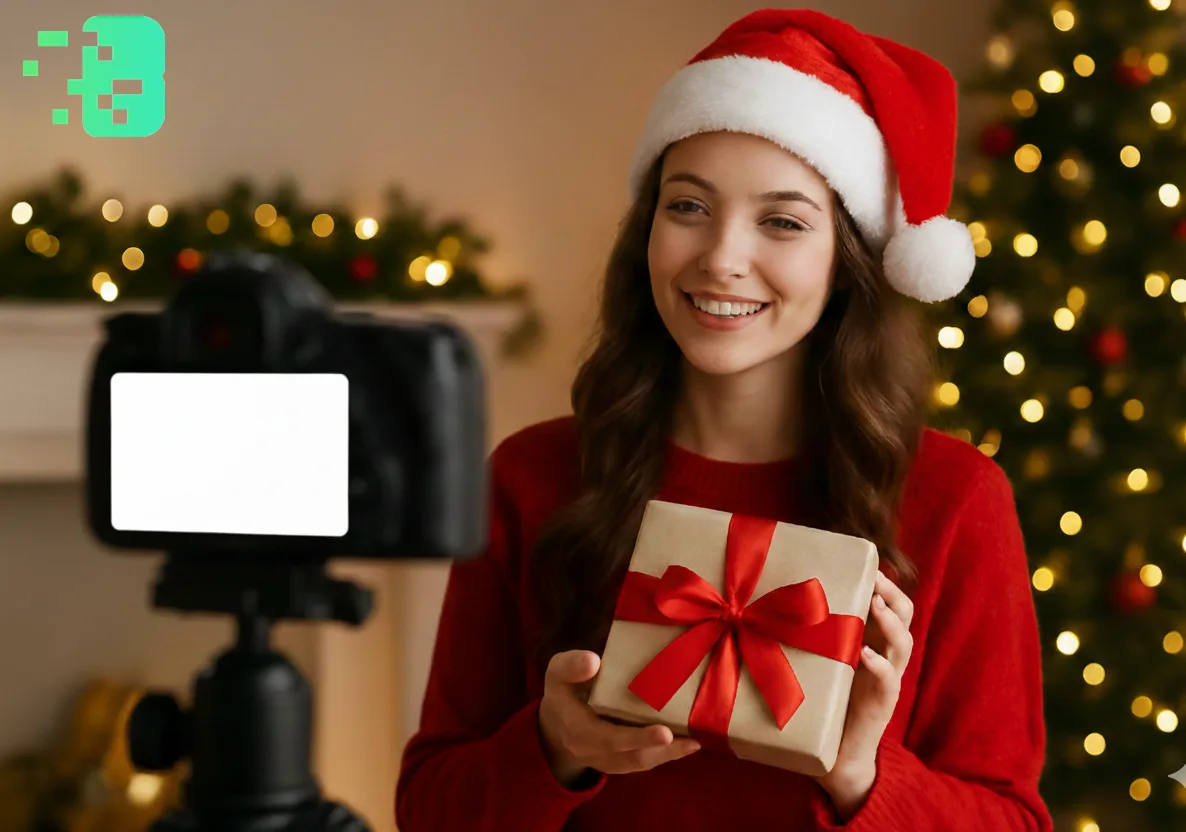
Make Your Christmas Videos Look Clean and Aesthetic
The holiday season is here, and everyone wants their Christmas content to stand out on social media. Whether you're creating festive videos for Tik Tok, Instagram, or You Tube, one simple trick can instantly elevate your content:background blur. This professional editing technique helps focus attention on what matters most while creating that dreamy, cinematic aesthetic everyone loves. This expert guide focuses on VIDEO privacy: how to BLUR a FACE (and other identifiers) for GDPR and PRIVACY compliance.
Quick checklist (GDPR & video privacy)
- VIDEO can contain personal data (faces, voices, plates) — treat it as GDPR/PRIVACY sensitive.
- Apply FACE BLUR before publishing or sharing video externally (social media, press, client reviews).
- Keep a lawful basis (consent/legitimate interest), retention limits, and access controls documented.
- Prefer automated detection + manual review for edge cases (fast motion, occlusions, low light).
Fast workflow (video blur)
- Open the clip in Blurit.app Studio.
- Select FACE BLUR (or object/plate blur) and review detections frame-by-frame.
- Export a privacy-safe video and keep an audit trail for GDPR requests.
If you need higher volumes or team workflows, see Plans & Pricing.
Why Background Blur Makes Your Christmas Videos Pop
When youblur background online, you're not just adding a filter—you're creating depth and visual interest. A blurred background helps:
Focus viewers' attentionon your subject (gifts, decorations, or family moments); Hide distracting elementsin messy holiday setups.
Create a professional, polished lookwithout expensive equipment; Add that cozy, magical Christmas atmosphereto every frame The bokeh effect (those beautiful blurred lights) is especially stunning with Christmas tree lights and decorations, giving your videos that premium, aesthetic quality.
3 Steps to Blur Background of Photos and Videos Getting that perfectblur image
background online freeeffect is easier than you think:
Step 1: Upload Your Content Start by uploading your Christmas video or photo to anonline video editor
. No downloads or complicated software needed—just drag and drop your festive content.
Step 2: Apply AI Blur Tool Modernai blur tooltechnology automatically detects
your subject and applies the perfect amount of blur to the background. You can adjust the intensity to match your aesthetic—subtle for elegant looks or intense for dramatic effects.
Step 3: Export and Share Once you're happy with yourblur bg photoeffect, simply
export in high quality and share your clean, aesthetic Christmas content with the world.
Protecting Privacy During the Holidays Holiday videos often capture spontaneous
family moments, but not everyone may want to appear in your social media posts. Aface blur toolbecomes essential toprotect privacywhile still sharing your festive celebrations. Whether you need to blur faces in the background at a Christmas party or hide sensitive information like addresses on packages, privacy protection should be a priority. This is especially important for parents sharing children's holiday moments or anyone filming in public spaces during Christmas shopping or events.
Blurit.app: Your Go-To Tool for Christmas Video Editing
When it comes to creating stunning holiday content,Blurit.app.comstands out as the bestai video editing toolfor achieving professional results. Here's why: Easy to Use: No technical skills required—perfect for quick content creation during the busy holiday season AI-Powered: Smartbackground blur aitechnology that works in seconds, not hours Perfect for Tik Tok: Functions as an excellentvideo editor for tiktokandtiktok editor, optimized for social media formats Free and Online:Blur image online freewithout watermarks or one-time credit packs—ideal for creators on a budget Versatile: Works for bothblur picture backgroundneeds andvideo blur backgroundprojects blurit.app combines powerful AI technology with user-friendly design, making it the perfect companion for creating clean, aesthetic Christmas content that gets noticed.
Make This Your Most Aesthetic Christmas Yet Don't let cluttered backgrounds ruin your festive content
. With the rightphoto background blurtechniques and tools, you can transform ordinary Christmas videos into scroll-stopping content that captures the magic of the season.
Conclusion Creating clean and aesthetic Christmas videos doesn't require professional equipment or expensive software
. Withbackground blur of photoand video techniques, you can instantly elevate your holiday content. blurit.app makes it simple to achieve professional results with its intuitiveai video editing tool—whether you need to blur background on video,blur picture, or protect privacy with face blurring. This Christmas, give your content the polish it deserves and watch your engagement soar.
FAQ Section Q: Can I blur background online for free?A: Yes! blurit.app offers
freeblur image background online freeservices with no watermarks. You can edit both photos and videos without any cost. Q: How do I blur the background in a Christmas video?A: Simply upload your video to blurit.app, and the AI will automatically detect your subject and apply background blur. You can adjust the blur intensity to match your desired aesthetic. Q: Does background blur work on Tik Tok videosåA: Absolutely! Blurit.app works perfectly as avideo editor for tiktok, allowing you to create professional-looking content optimized for social media platforms. Q: Can I use the face blur tool to protect privacy?A: Yes, Blurit.app includes aface blur toolfeature that helps youprotect privacyby blurring faces in the background or anywhere in your video, perfect for public holiday events. Q: Is AI blur better than manual editing?A: Theai blur toolsaves hours of manual work and provides consistent results. It's ideal for quick edits during the busy holiday season while maintaining professional quality.