

Should you blur your license plate? (+ How to do it in photos & videos)
Should you blur your license plate? (+ How to do it in photos & videos)
If you are asking why blur license plate details in public content—or how to blur a license plate quickly—you are in the right place. This guide covers blur license plate photo and blur license plate video workflows, from AI browser tools to desktop precision. If you need a fast browser workflow for plates, faces, and other sensitive regions, Blurit Studio is built for that use case: upload, review detections, export a baked anonymized file.
Fastest option: use the free blur license plate in video tool — automatic AI detection and tracking, no watermark.
You have a clean shot, the edit is nearly done, and then you notice it: a parked car, a delivery van, your own vehicle in the driveway. The plate is sharp enough to read. The question is not aesthetics—it is whether leaving it visible creates risk you do not need. In most public-facing cases, yes, blur it. The practical task is picking the right method: a social clip on your phone differs from a newsroom pull or a multi-market campaign. See also why blur license plates in video and our GDPR video compliance guide.
Risks of an unblurred license plate
The problem starts with footage that looks harmless—until it is online, searchable, and persistent.
The legal risk is real
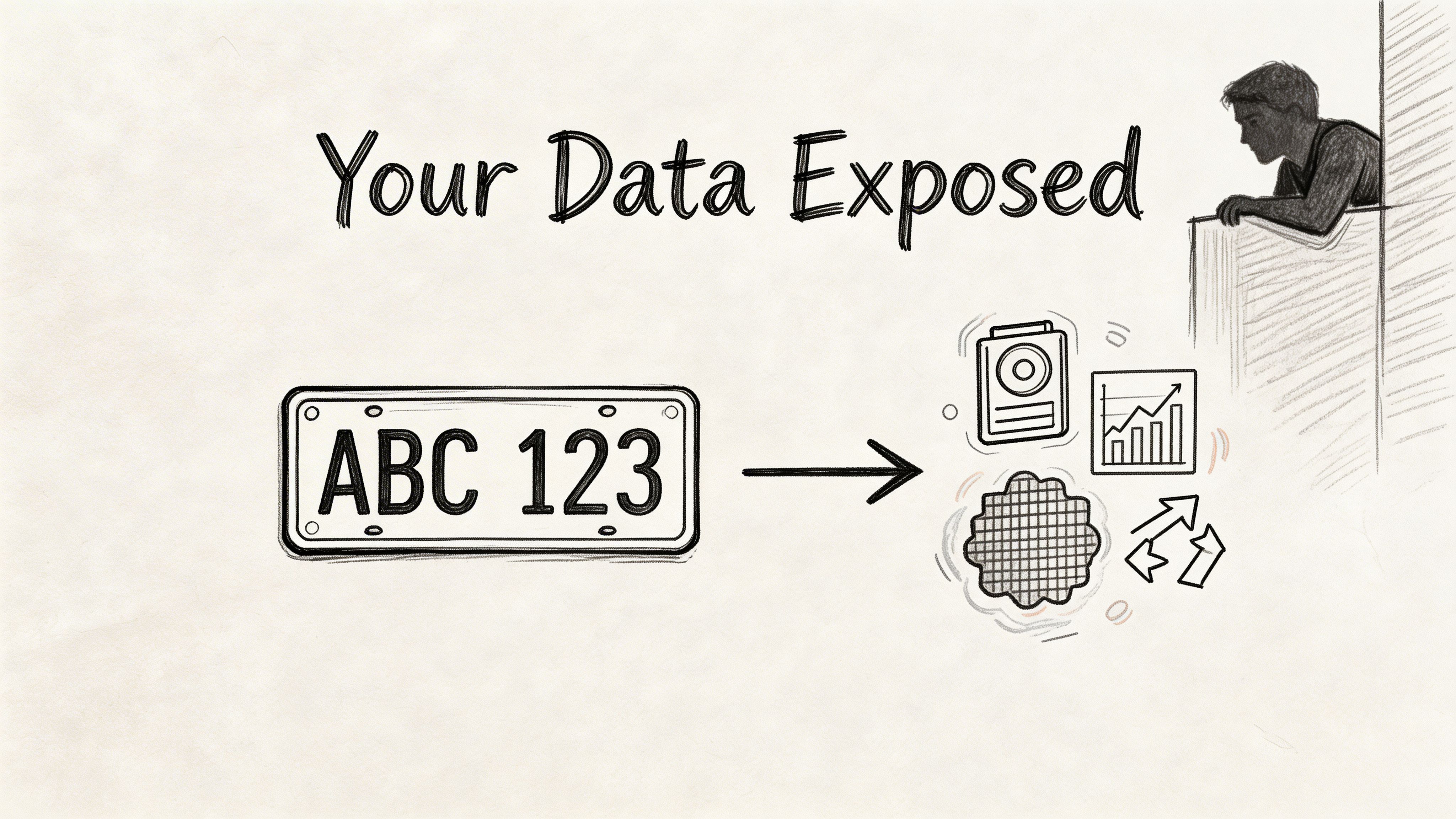
In the EU, the GDPR treats vehicle license plates as personal data. Sharing them without a lawful basis can carry serious penalties. That matters even outside Europe if you publish globally or process data about EU individuals. For context, see external discussions such as why license plates should be blurred (Gallio).
Practical rule: If content is public, commercial, journalistic, or broadly distributed, treat a visible plate as something you must justify—not ignore.
Technology changed the risk profile
Automatic License Plate Recognition (ALPR) processes plate data at huge scale. Plates can be copied from a frame, reposted, and matched in ways the publisher never intended. For background, see reporting such as Jalopnik on obscuring plates.
Personal safety
A visible plate can become a starting point for harassment, stalking, doxxing, or fraud. Teams often focus on compliance; individuals focus on convenience—both can underestimate human risk.
| Situation | Risk if visible | Default |
|---|---|---|
| Public social post | Sharing, reposting, harassment | Blur |
| Marketing / brand video | Compliance & reputation | Blur |
| News / documentary | Privacy vs editorial need | Usually blur unless the plate is the story |
| CCTV shared externally | High privacy sensitivity | Blur |
Method 1 — AI browser tools (fastest for many teams)
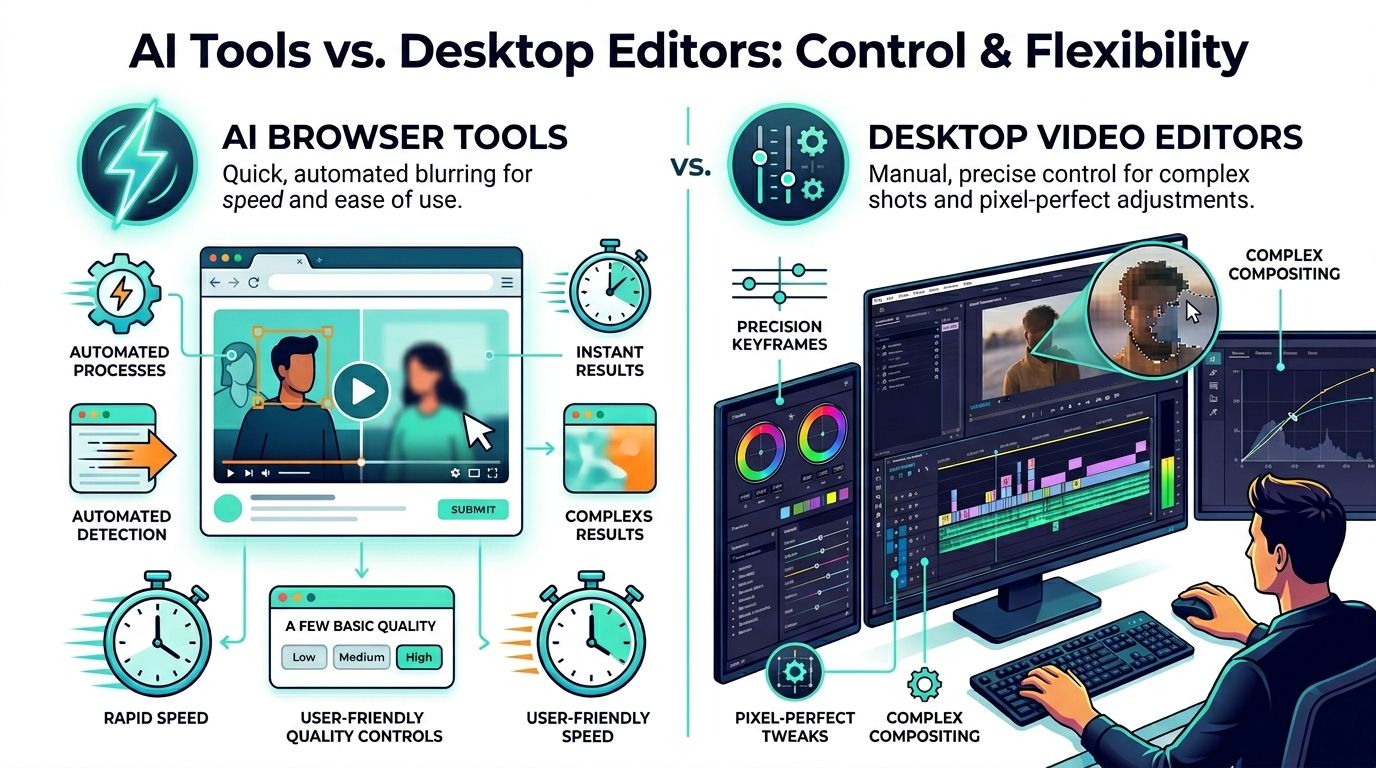
For tight deadlines and incidental plates in blur license plate video projects, browser-based AI is often the right call: speed, combined photo/video workflows, and less manual masking. Auto-detection handles routine shots; it is weaker on glare, motion blur, reflections, and steep angles—so you still review every frame that matters.
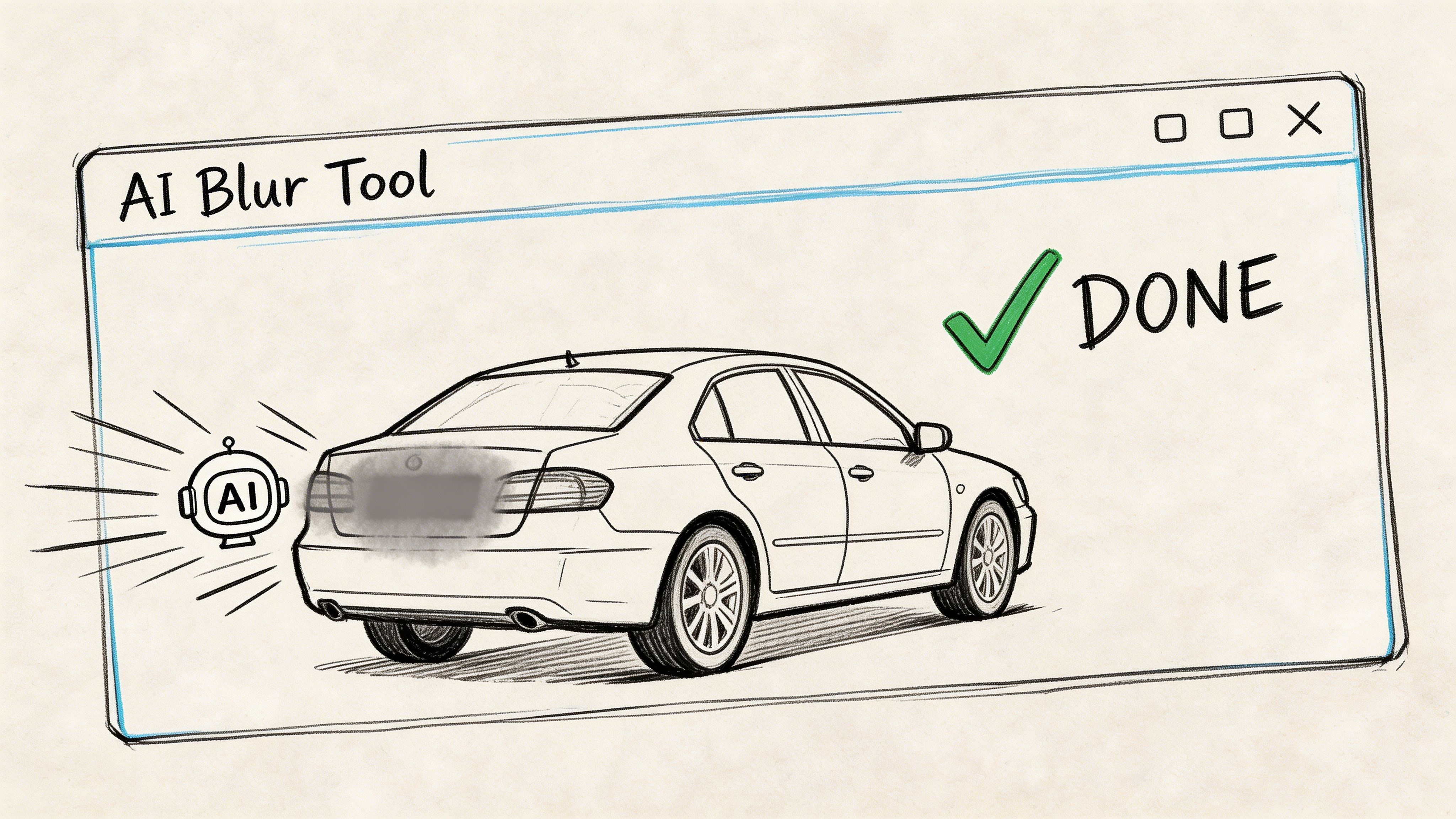
Standard workflow
- Upload the highest-quality source—compression hurts detection.
- Run automatic detection for plates (often faces too).
- Review the full clip, not only the first seconds.
- Fix misses and false positives.
- Export a baked-in file—blur must be in the pixels you publish.
Blurit fits this category: automatic detection plus manual adjustment for a quick review loop.
Auto-blur saves time; the review pass prevents exposure.
Why speed changes the decision
As noted in guides like how to blur a license plate in video, automated redaction is often far faster than frame-by-frame work on short clips. For legal-grade zero-miss requirements, treat the browser pass as a first pass—not the only QA.
What works (and what does not)
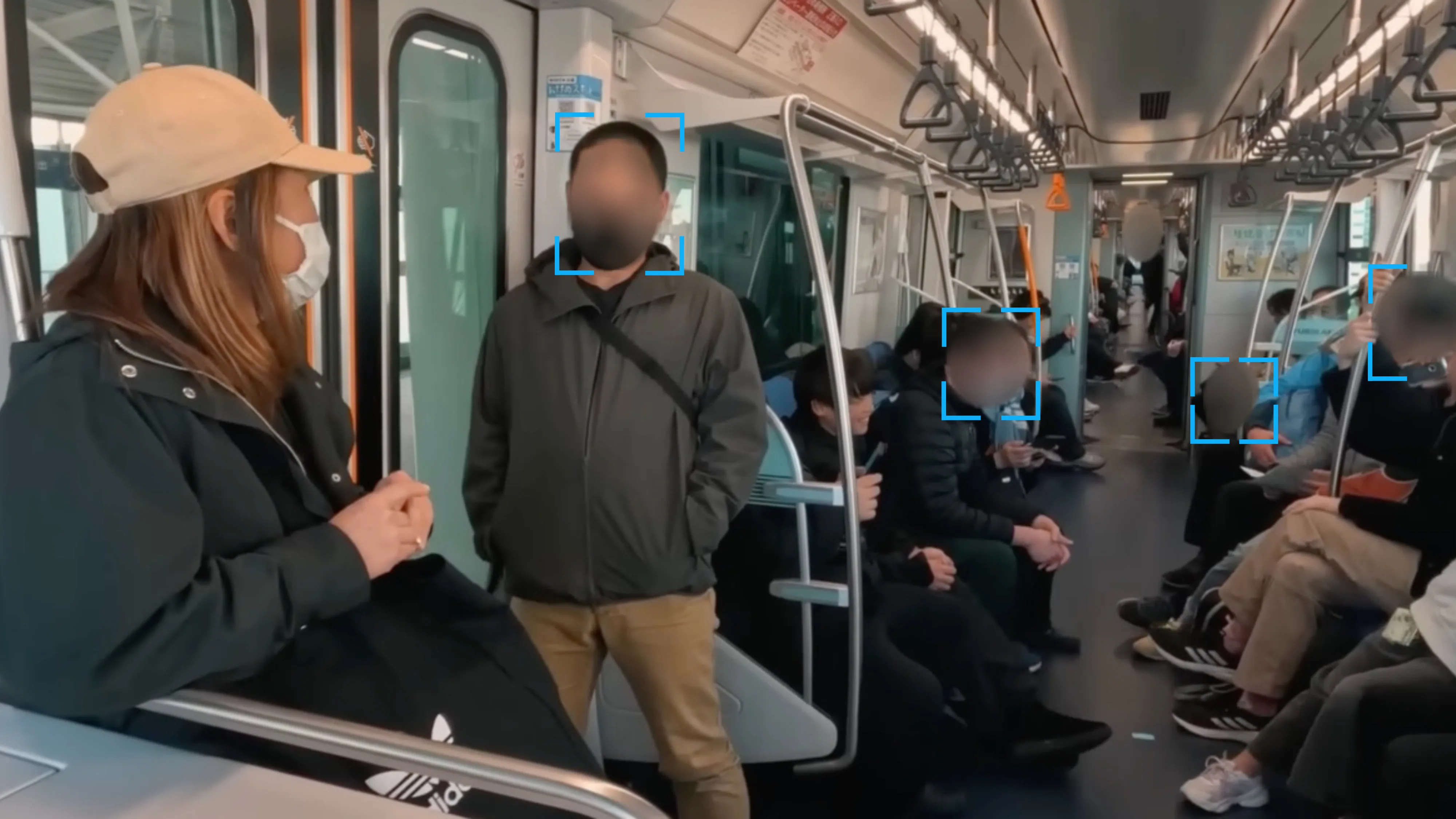
Browser AI works well for event recaps, dashcam-style footage, real estate drive-bys, promo clips, and standard news publishing when the plate is incidental. It struggles when the plate is tiny, briefly visible, or distorted—then move to desktop editing or stricter masking.
Method 2 — Desktop editors (full control)
When “close enough” is not enough—investigations, legal review, broadcast—use a desktop NLE. DaVinci Resolve is a common free option with masks, tracking, and strong blur controls.
Manual workflow (summary)
- Place the clip on the timeline from the original file.
- Add a strong Gaussian blur (or pixelate).
- Mask tightly over the plate with slight feather.
- Track motion; fix drift with keyframes.
- Watch the entire shot before export.
Editing note: A blur that misses for even one readable frame is a failed blur.
Fast motion punishes lazy tracking—plan time accordingly.
Method 3 — Mobile video apps (emergency lane)
Mobile is for blur license plate photo quick fixes or very simple video: mostly static plate, short clip, one vehicle. Touch UIs are weak for precision; long clips, broadcast, or sensitive data should stay off the phone for final delivery.
Method 4 — DIY on set (prevent the problem)
For planned shoots, gaffer tape or a small chroma card over the plate shifts work from post to set. You track a simpler shape—and reduce the odds of a leaked frame.
Method 5 — Pro tips for irreversible blurring
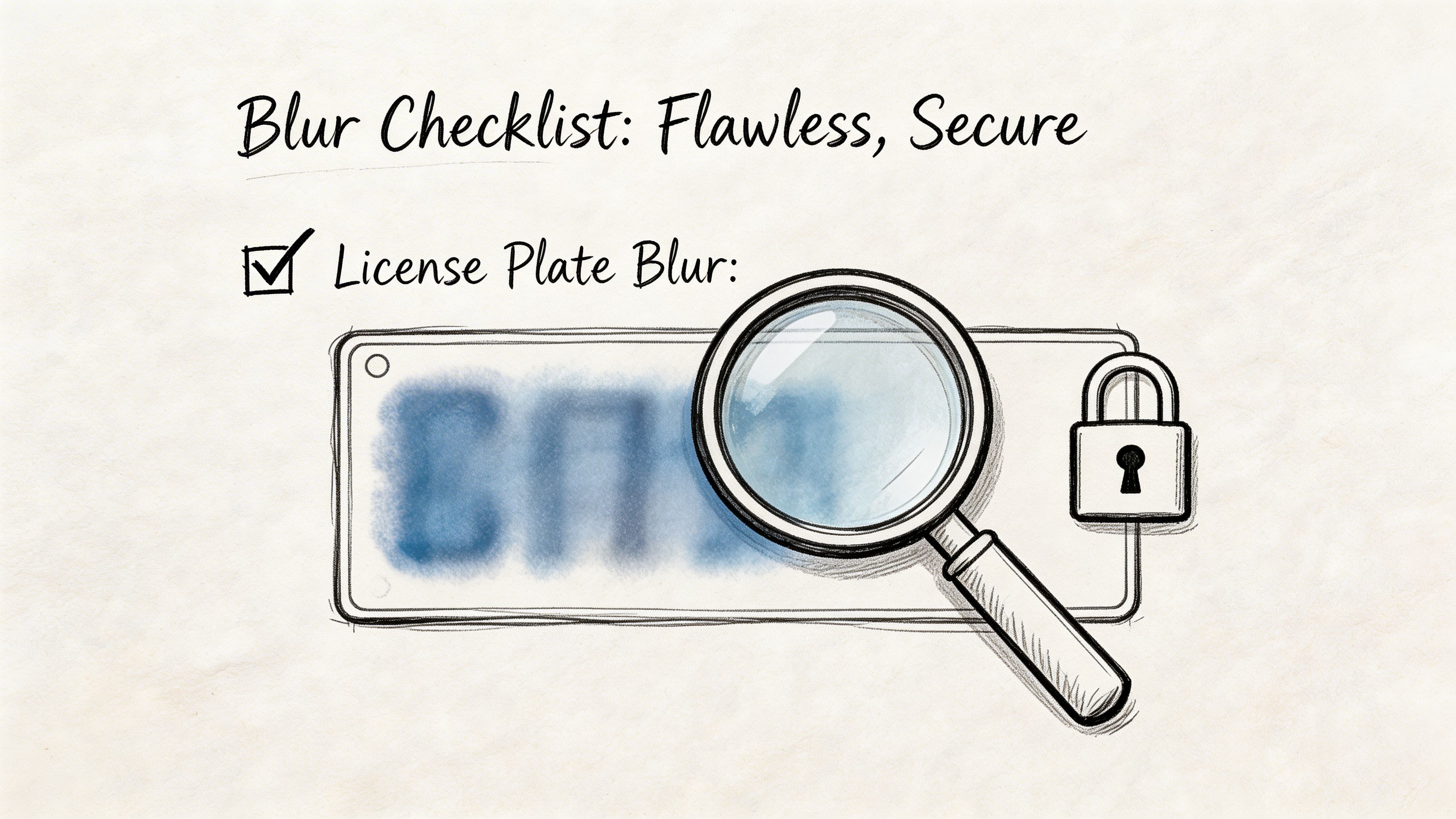
If someone can read the plate after export (or after zooming), anonymization failed. Prefer strength over style: strong blur, coarse pixelation, or a solid block when in doubt. Mask the entire plate with margin for drift. Scrub fast motion, angle changes, reflections, and occlusion points.
Legal ambiguity varies by country and context; overviews of plate blurring stress consequence-based workflows. Match tool choice to audience and policy—not only minimum exposure.
Final checklist before publish
- Unreadable at normal size and when zoomed?
- Full clip reviewed (cuts, turns, sharpest frames)?
- Mask covers full plate with safety margin?
- Published file is the baked export?
- Workflow matches risk level?
Closing: For a repeatable how to blur a license plate pipeline in the browser—plates, faces, and manual fixes—use Blurit Studio. Upload, review automatic detections, correct if needed, and export without switching to a full desktop edit. It fits creators, marketing teams, newsrooms, and compliance reviews that need speed and a final QA pass.