

Best Blur.me Alternative 2026: Free Video Anonymization with AI
Best Blur.me Alternative 2026: Free Video Anonymization with AI
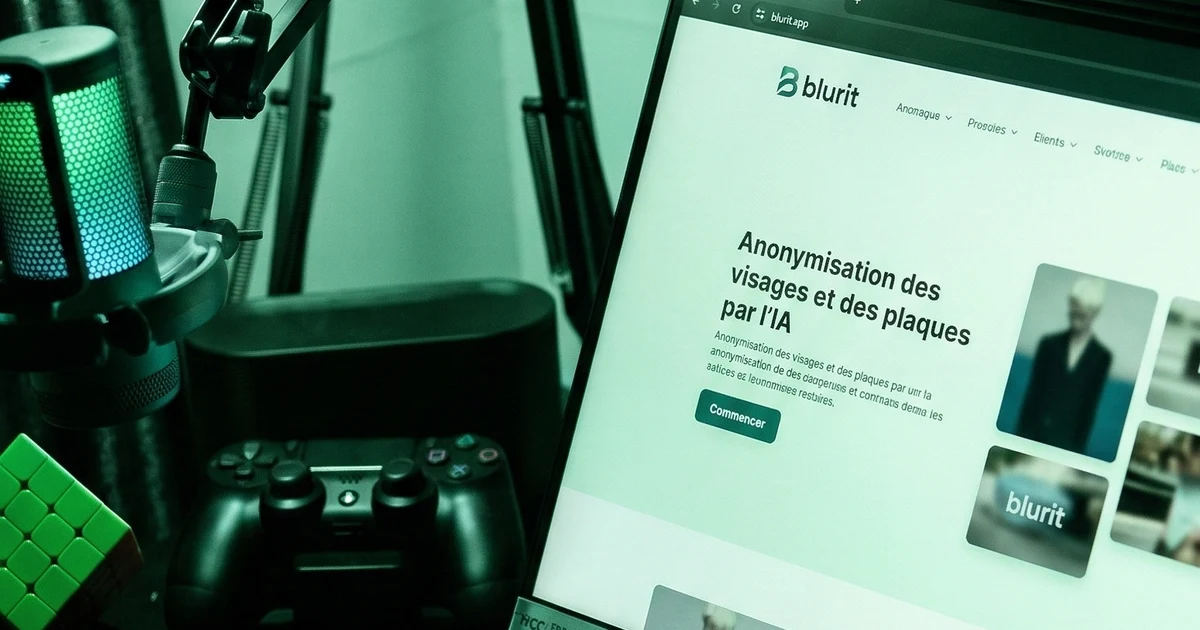
Blur.me was once the go-to tool for quick free video blur and anonymization. Since its partial shutdown and growing limitations, professionals and privacy-conscious users—including those looking to blur faces online free—have been searching for a reliable replacement. This article provides a detailed, objective comparison between Blur.me and Blurit.app--a European-built alternative offering superior AI accuracy, faster processing, and full GDPR compliance [1]. We examine both tools across technical performance, features, pricing, compliance, and real-world use cases to help you make an informed decision.
TL;DR: Why Blurit.app Beats Blur.me
Bottom line: Blurit.app is faster, more accurate, and GDPR-compliant—making it the best free alternative to Blur.me for professionals and privacy-conscious users in 2026.
- 99%+ AI detection accuracy vs Blur.me's inconsistent results
- Processing in minutes, not hours
- Automatic motion tracking (Blur.me has none)
- Full GDPR compliance with EU hosting and audit logs
- Credit-based pricing from 7 €—no recurring subscription required
1. Context: why Blur.me users are switching
Blur.me gained popularity as an AI-powered tool for automatic face detection and blurring in videos and photos [2]. It offered a convenient free tier that attracted journalists, educators, content creators, and businesses. However, several factors have driven users to seek alternatives:
- Free tier restrictions. After exhausting initial free credits, Blur.me exports carry a watermark unless users upgrade to a paid plan [3].
- Processing limitations. Free users face constraints on video length and file size, making it impractical for longer footage [4].
- Inconsistent detection quality. Blur.me's AI frequently missed faces at difficult angles or in poor lighting, requiring time-consuming manual corrections [4].
- Slow processing speed. Even short videos (5-10 minutes) could take hours to process, making the tool unsuitable for deadline-driven work.
- No motion tracking. Blurred regions did not follow moving subjects, leading to gaps in anonymization.
- Limited professional support. Only community forums were available for troubleshooting [3].
- Unclear data handling. As Blur.me scaled down operations, questions arose about GDPR compliance and data processing practices.
2. Blurit.app: technical overview
Blurit.app is a European video anonymization tool and image anonymization platform built to address the shortcomings of tools like Blur.me. It operates entirely in the browser (no software installation required) and processes all data on EU-hosted servers [1].
2.1 Core capabilities
- AI detection. Proprietary machine learning models detect faces, license plates, sensitive documents, screens, and custom objects with high precision—even at challenging angles, in low light, or with partial occlusion.
- Automatic motion tracking. Detected subjects are tracked frame-by-frame throughout the video. The blur follows moving targets smoothly, eliminating the gaps common in tools without tracking [5].
- Quality assurance. An integrated QA layer scans the final output for any unblurred sensitive data before export. Potential leaks are flagged for manual review [6].
- Batch processing. Multiple files can be processed simultaneously, reducing total turnaround time for large projects.
- REST API. Available on Pro and MAX plans for programmatic integration into existing workflows, CMS pipelines, or automated processing chains.
- Multiple blur styles. Standard Gaussian blur, mosaic pixelation, or blackout—adjustable intensity and shape per target.
2.2 Supported formats
Blurit.app accepts MP4, MOV, AVI, MKV for video and JPEG, PNG, WebP, RAW (DNG, CR2, ARW) for images. Export options include MP4, WebM, MOV, and ProRes/DNxHD on MAX plans.
3. Detailed comparison: Blur.me vs Blurit.app
The following table summarizes the key differences between the two platforms across objective criteria.
| Criteria | Blur.me | Blurit.app |
|---|---|---|
| AI detection accuracy | Basic; inconsistent on angles/lighting [4] | High precision; faces, plates, documents, custom objects |
| Motion tracking | None [4] | Automatic frame-by-frame tracking |
| Processing speed | Hours for 5-10 min video | Minutes (3-5 min for a 5 min video) |
| Max file size | Limited (free tier) | Up to 10 GB (MAX plan) |
| Max video duration | Short clips (free tier) [4] | Unlimited (MAX plan); up to 2h (Pro) |
| Batch processing | No | Yes (Standard and above) |
| API / integration | Enterprise only | REST API (Pro); webhooks, Zapier, S3/GCS (MAX) |
| Quality assurance | Manual review only | Automated QA + manual review option |
| GDPR compliance | Unclear [3] | EU hosting, audit logs, auto-deletion [1] |
| Data retention | Not specified | 24h default; ephemeral mode available |
| Export formats | MP4 | MP4, WebM, MOV, ProRes, DNxHD |
| Technical support | Community forums [3] | Dedicated team; SLA on MAX plans |
| Watermark on free tier | Yes (after credits exhausted) [3] | No watermark on paid plans |
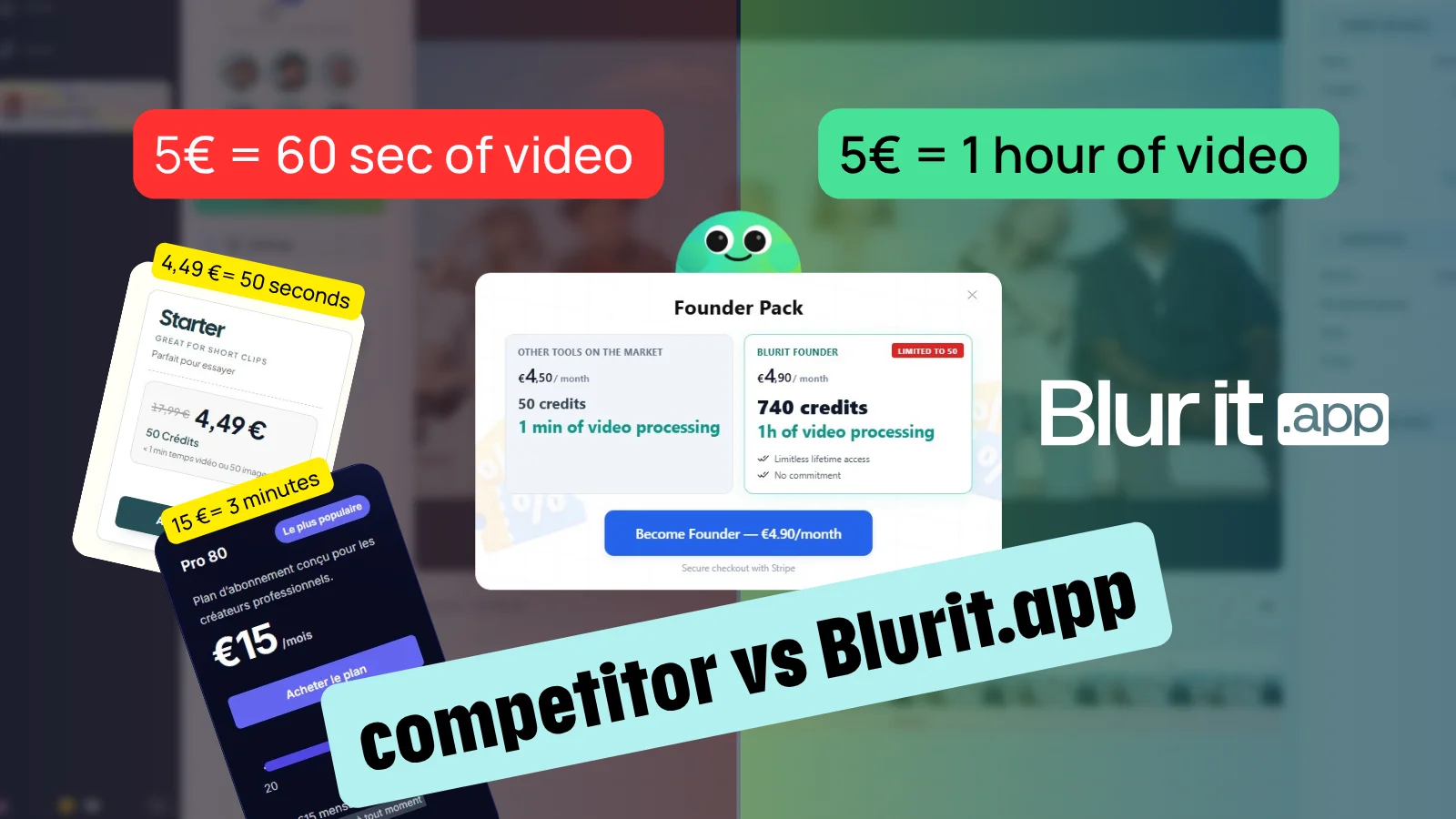
| Pricing (entry) | Free (limited) then subscription | From 7 € one-time (Basic pack, 210 credits) |
4. Advantages of Blurit.app over Blur.me
4.1 Superior detection and tracking
Blurit.app's AI models are trained on diverse datasets covering varying angles, lighting conditions, and occlusion levels. Unlike Blur.me's basic detection, Blurit.app distinguishes between:
- Faces at oblique angles and in low-light environments
- License plates across international formats (EU, US, Asian standards)
- Sensitive text on documents, screens, and ID cards
- Full bodies and vehicles (available on MAX plans)
The automatic motion tracking algorithm follows subjects frame-by-frame, maintaining accurate blur placement even during rapid movement, camera shake, or zoom transitions [5]. This eliminates the "leaking" problem where unblurred frames briefly expose sensitive data—a known issue with tools lacking tracking capability [7].
4.2 Processing performance
Blurit.app leverages cloud GPU infrastructure for parallel processing. Benchmarks on standard hardware show:
- 5-minute HD video: 3-5 minutes processing
- 30-minute HD video: 15-20 minutes processing
- Batch mode: 10+ videos processed simultaneously
By comparison, Blur.me typically requires several hours for the same tasks, particularly on the free tier where processing priority is lower.
4.3 Compliance and data security
Data protection regulations such as the GDPR (EU Regulation 2016/679) require that personal data—including facial images and license plates—be processed lawfully and securely [1]. Blurit.app addresses these requirements through:
- EU-only hosting. All data is processed on servers located within the European Union.
- Encryption. AES-256 encryption in transit; TLS 1.3 for all connections.
- Audit logs. Full traceability of who processed what, when, and from where—essential for compliance audits [8].
- Automatic deletion. Videos are deleted within 24 hours of processing by default; an ephemeral processing mode is available for maximum privacy.
- No data mining. Uploaded content is never used for model training or analytics.
Blur.me's compliance posture is less transparent. Its privacy policy does not specify server location or data retention timelines, which creates uncertainty for organizations subject to GDPR enforcement [3].
4.4 User experience
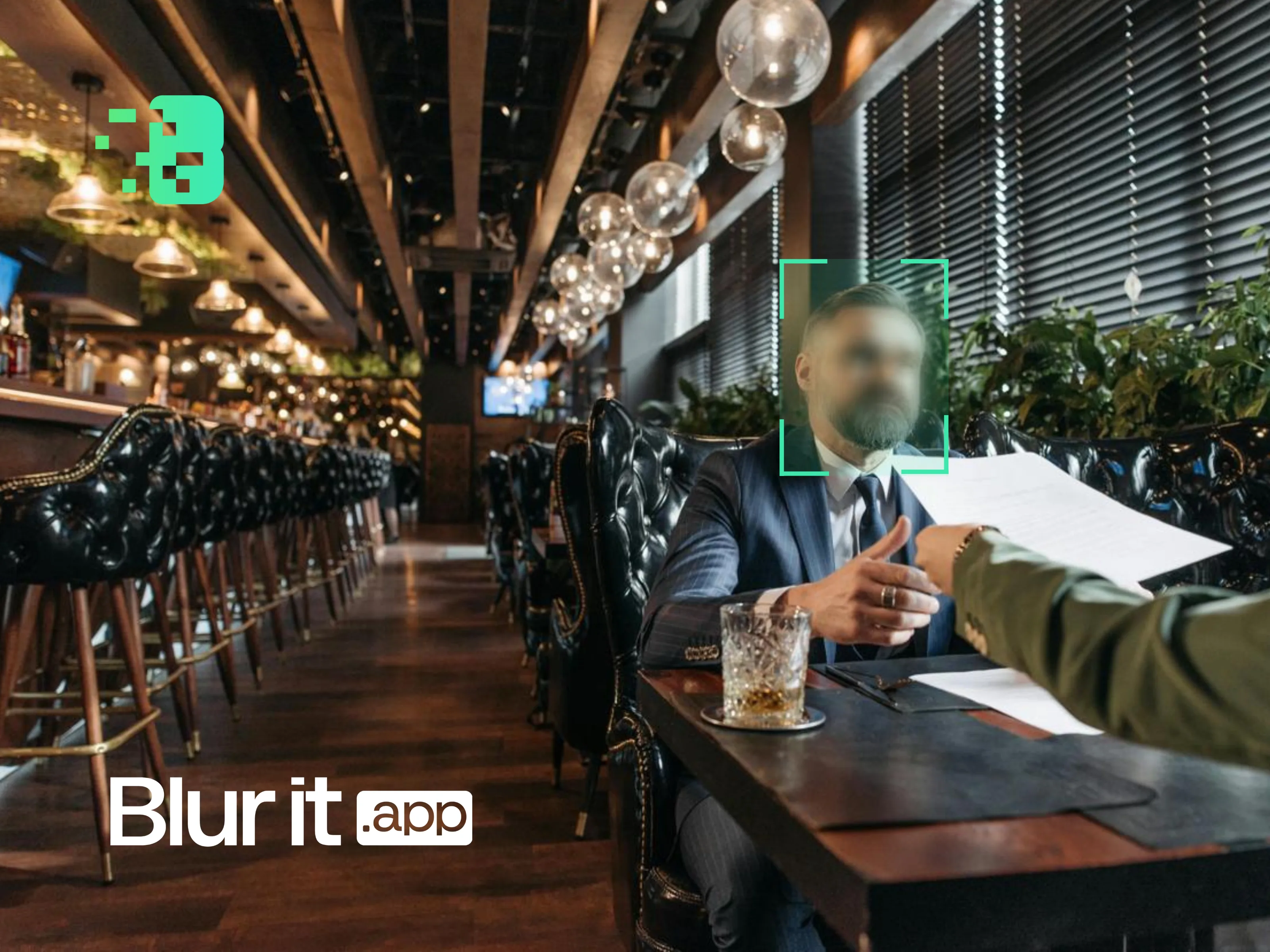
Blurit.app is designed around a three-step workflow: upload, configure blur targets, export. No video editing expertise is required. Key UX features include:
- Real-time preview before export
- Adjustable blur intensity, shape (oval, rectangle, custom), and style per target
- Selective blurring—choose which faces to blur and which to leave visible
- Multiple export formats and resolution options (up to 4K)
5. Pricing comparison
Blurit.app uses a credit-based model with one-time purchases (no recurring subscription required). This differs from Blur.me's subscription model and from competitors like VIDIO.ai (~
| Plan | Price | Credits | Video capacity | Max file size | Key features |
|---|---|---|---|---|---|
| Basic | €7 | 210 | ~18 min | 1 GB | Face + plate blur, HD export, preview |
| Standard | 16 € (was 25 €) | 480 | ~16 min SD | 2 GB | + 4K export, batch processing |
| Pro | 35 € (was 59 €) | 3,000 | ~100 min SD | 5 GB | + REST API, priority processing, team workflows |
| MAX 9K | 89 € (was 249 €) | 9,000 | ~300 min SD | 10 GB | + Webhooks, Zapier, S3/GCS, SSO, SLA, ProRes |
| MAX 15K | 129 € (was 399 €) | 15,000 | ~500 min SD | 10 GB | Full MAX feature set |
| MAX 30K | 199 € (was 699 €) | 30,000 | ~1,000 min SD | 10 GB | Full MAX feature set |
Prices exclude VAT. Credits are valid 6-12 months depending on plan. Enterprise custom plans available on request.
6. Use cases
6.1 Content creators and streamers
The challenge: Platforms like YouTube and TikTok increasingly require that non-consenting individuals be anonymized before publication [2]. Manual blurring is tedious, error-prone, and can take longer than the actual editing process. For creators publishing daily or weekly, this bottleneck is unsustainable.
The solution: Whether you need to blur faces online free or require professional-grade output, Blurit.app delivers: upload raw footage, let the AI detect and track all faces automatically, review the preview, and export a ready-to-publish video in minutes. The entire process requires no video editing expertise.
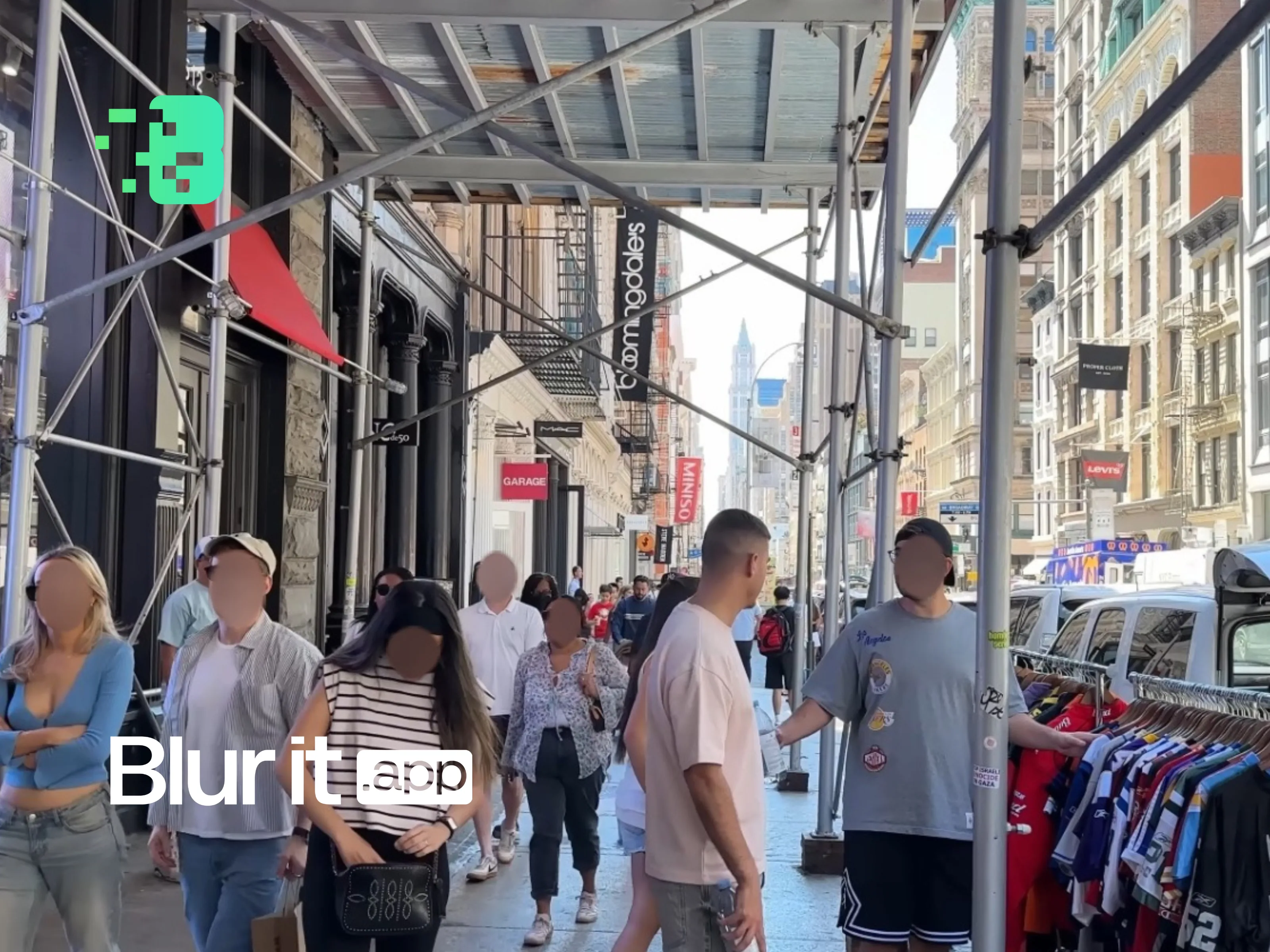
Example: A vlogger filming in public spaces can automatically blur all background faces while maintaining video quality and respecting privacy. A 10-minute vlog that would take 2+ hours to manually blur is processed in under 5 minutes with Blurit.app.
6.2 Businesses and HR departments
The challenge: Training videos, customer testimonials, warehouse walkthrough footage, and internal communications often contain identifiable employee or visitor faces. Under GDPR, organizations must ensure lawful processing of such personal data [1]. Non-compliance can result in fines up to 4% of annual global turnover.
The solution: Process videos through Blurit.app before distribution. The platform provides both the anonymization capability and the audit trail required for compliance documentation—essential for internal audits and regulatory reviews.
Example: A company creating onboarding training materials can blur all employee faces in warehouse and office footage, ensuring GDPR compliance while maintaining instructional clarity. The audit log documents exactly who processed what, when, and from where.
6.3 Journalists and news organizations
The challenge: Protecting sources and witnesses while maintaining visual quality is a core ethical obligation in journalism [11]. News deadlines leave no room for hours of manual blurring, and inconsistent anonymization from tools like Blur.me could endanger vulnerable individuals.
The solution: Blurit.app processes videos in minutes with professional-grade anonymization. The REST API allows newsrooms to automate the entire workflow, integrating directly into CMS pipelines and editorial toolchains.
Example: A journalist covering sensitive protests can blur all participant faces in recorded footage within minutes, protecting identities while preserving the story's visual impact. The API integration allows the anonymization step to be automated as part of the publishing pipeline.
6.4 Law enforcement and security
Body camera footage, surveillance video, and evidentiary material require precise redaction with full audit trails [7]. Blurit.app's motion tracking ensures that moving subjects remain blurred throughout, while audit logs document every processing action for legal compliance.
6.5 Healthcare and medical
Patient privacy regulations (GDPR, HIPAA) demand careful handling of medical video content [12]. Blurit.app's automatic deletion and EU hosting make it suitable for healthcare organizations processing patient-facing video.
6.6 Real estate and mapping
Street-level imagery, virtual tours, and mapping datasets require systematic anonymization of faces and license plates at scale. Blurit.app's batch processing and API handle large volumes efficiently [6].
7. How Blurit.app compares to other Blur.me alternatives
Beyond the direct Blur.me comparison, it is useful to understand how Blurit.app positions against other tools frequently cited as alternatives [9] [10]:
| Tool | Auto face detection | Motion tracking | API | GDPR compliant | Free tier |
|---|---|---|---|---|---|
| Blurit.app | Yes (faces, plates, objects) | Yes | REST API | EU hosting, audit logs | Credit packs from 7 € (210 cr.) |
| Blur.me | Yes (basic) | No | Enterprise only | Unclear | Limited (watermark) [3] |
| VIDIO.ai | Yes (multi-face) | Yes | Not documented | Not specified | 15 sec preview [9] |
| CapCut | Partial (desktop only) | No | No | No (ByteDance/China) | Free (watermark) |
| VEED.io | No (manual) | No | No | Not specified | Free (watermark) [10] |
| DaVinci Resolve | No (manual tracking) | Manual | No | Offline (local) | Free (no watermark) |
8. Frequently Asked Questions
Blurit.app offers credit packs starting at 7 € (one-time purchase, no subscription). The Basic pack includes 210 credits (~18 minutes of video in our estimator). For higher volumes, Pro and MAX plans offer significantly more credits at better per-minute rates.
Yes. All plans—including Basic—allow commercial use. For high-volume enterprise needs, custom plans with dedicated support and SLA guarantees are available on request.
Yes. Videos are processed on EU-hosted servers, encrypted with AES-256 in transit, and automatically deleted within 24 hours after processing. Blurit.app does not store, back up, or analyze your content. Full GDPR compliance is documented with audit logs [1].
Most videos process in 1-5 minutes. A 30-minute HD video typically takes 15-20 minutes. Processing speed depends on video length, resolution, and the number of detected objects.
Yes. You can blur faces, license plates, documents, logos, screens, or custom objects simultaneously. Adjust blur style and intensity per target before export.
Yes. The web application is fully responsive and works on phones, tablets, and desktops. No app download required—everything runs in your browser.
Yes. The REST API (Pro and MAX plans) allows programmatic video processing. MAX plans also support webhooks, Zapier integration, and direct S3/GCS storage connections [6].
Blurit.app includes an integrated QA layer that scans the final output for potential leaks. A manual editor also allows you to add, adjust, or remove blurs before exporting. You always have final control.
Basic: up to 1 GB. Pro: up to 5 GB (~2h HD). MAX: up to 10 GB with no practical duration limit.
DaVinci Resolve is a powerful free editor but requires manual tracking and blur placement—a time-consuming process demanding video editing expertise. Blurit.app automates the entire workflow with AI, delivering results in minutes without any editing skills [10].
The best Blur.me alternative is here
This video anonymization tool delivers superior AI, fast processing, and full GDPR compliance. Test Blurit.app for free.
Start free trialUp to 10 GB, 100% online, no installation
References
- [1] European Union. Regulation (EU) 2016/679 of the European Parliament and of the Council (General Data Protection Regulation). Official Journal of the European Union, L 119/1, 2016. https://gdpr-info.eu/
- [2] Blur.me. "Why Privacy Protection Matters in Video Content." Blur.me Blog, 2025. https://www.blur.me/blog/best-face-blur-tool-privacy-protection/
- [3] Trustpilot. "BlurMe Reviews — Read Customer Service Reviews." https://www.trustpilot.com/review/blur.me
- [4] Wondershare Filmora. "Activate Face Blur in Videos Online with These 5 Tools." https://filmora.wondershare.com/ai-efficiency/blur-face-in-video-online.html
- [5] Blurit.app. "GDPR Video Content Compliance: Face and License Plate Blurring Requirements Guide." https://www.blurit.app/en/blog/gdpr-video-content-face-license-plate-blurring-compliance-guide/
- [6] Blurit.app. "Video Anonymization for ADAS and Mobile Mapping: Quality Pipeline." https://www.blurit.app/en/blog/anonymisation-video-adas-mobile-mapping-pipeline-qualite/
- [7] SecureRedact. "Top 7 Video Redaction Software Companies." https://www.secureredact.ai/articles/top-video-redaction-software-companies
- [8] European Data Protection Board. "Guidelines 3/2019 on Processing of Personal Data through Video Devices." EDPB, 2020. https://edpb.europa.eu/
- [9] VIDIO.ai. "Best Alternatives to Blur.me for Face Blurring in Videos." https://www.vidio.ai/blog/article/best-alternatives-to-blur-me
- [10] Toolsmart. "Blur Face in Video: Top 5 Best Tools Recommendation." https://www.toolsmart.ai/blog/blur-face-in-video/
- [11] Reuters Institute. "Digital Journalism Ethics: Privacy and Source Protection." University of Oxford, 2023.
- [12] U.S. Department of Health and Human Services. "HIPAA Privacy Rule." https://www.hhs.gov/hipaa/
Further reading
- How to Blur Faces in Video with AI: Complete Guide (2026)
- How to Blur License Plates in Videos Automatically
- Blurit.app vs Fluendo Anonymizer: Large-Scale Video Anonymization
- Blurit.app vs Plate Recognizer: Blurring vs ALPR
- Best Fotor Alternative for Face Blurring (2026)
- Best Wondershare Alternative for Video Anonymization
- Top 5 Tools to Pixelate Faces in 2026
- Audio Anonymization: Voice Distortion and Privacy Protection Guide
- OCR Text Redaction: Automatic Sensitive Information Protection
- UK GDPR and Data Protection Act: Video Privacy Compliance
Transparency note: This article compares Blur.me and Blurit.app based on publicly available information and objective criteria (quality, speed, compliance, pricing). The author is affiliated with Blurit.app. We strive to remain factual and welcome corrections.