

How to Make Background Blur of Video
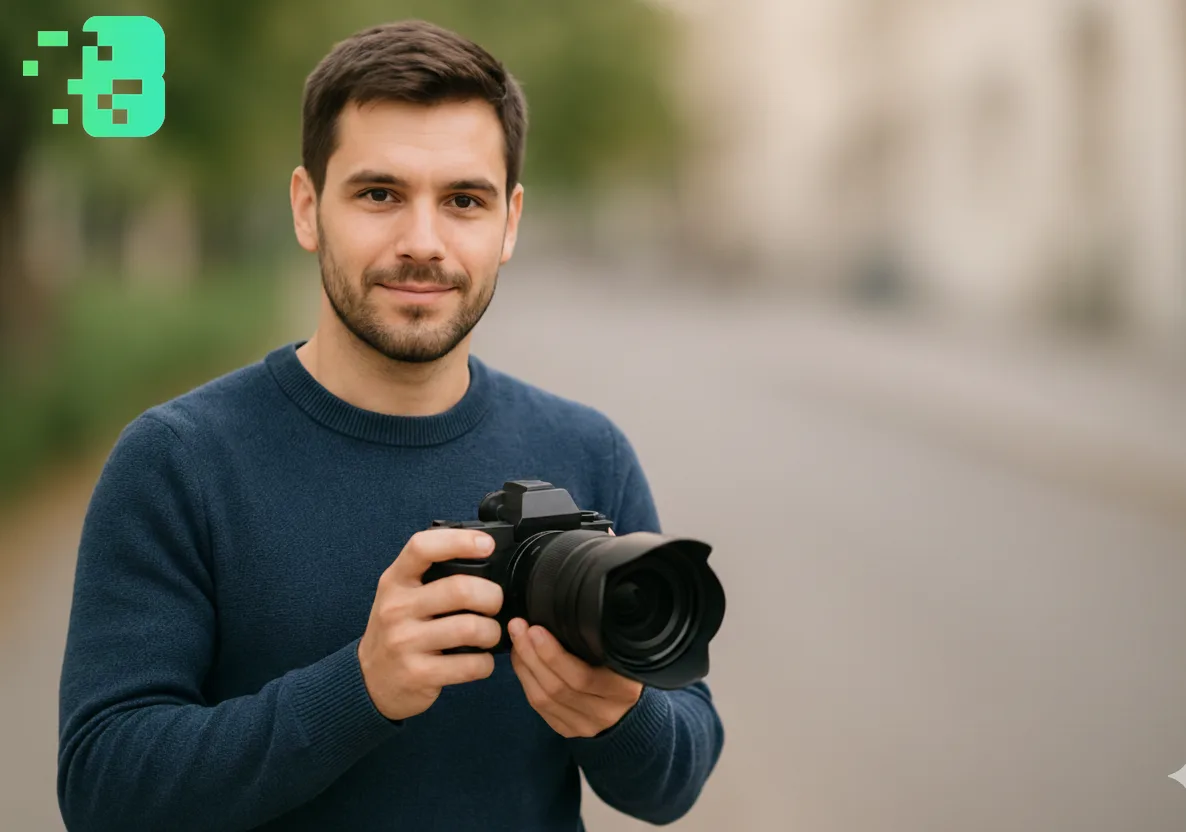
How to Make Background Blur of Video
Creating professional background blur effects This comprehensive guide will walk you through everything you need to know about video background blurring, from basic techniques to advanced AI-powered solutions that deliver professional results with just one click. This expert guide focuses on VIDEO privacy: how to BLUR a FACE (and other identifiers) for GDPR and PRIVACY compliance.
Want the fastest route? Use the free blur video background tool — AI keeps the subject sharp, no watermark.
Quick checklist (GDPR & video privacy)
- VIDEO can contain personal data (faces, voices, plates) — treat it as GDPR/PRIVACY sensitive.
- Apply FACE BLUR before publishing or sharing video externally (social media, press, client reviews).
- Keep a lawful basis (consent/legitimate interest), retention limits, and access controls documented.
- Prefer automated detection + manual review for edge cases (fast motion, occlusions, low light).
Fast workflow (video blur)
- Open the clip in Blurit.app Studio.
- Select FACE BLUR (or object/plate blur) and review detections frame-by-frame.
- Export a privacy-safe video and keep an audit trail for GDPR requests.
If you need higher volumes or team workflows, see Plans & Pricing.
What is Video Background Blur and
Why Do You Need It? Background blurin video, also known as bokeh effect, is a technique that keeps your subject in sharp focus while making the background appear soft and out of focus. Thisvideo blureffect serves multiple purposes:
Privacy Protection: Blur faces, license plates, and sensitive information for GDPR compliance; Professional Aesthetics: Create cinematic depth and focus attention on your subject.
Content Enhancement: Eliminate distracting backgrounds for cleaner presentation; Social Media Optimization: Meet platform guidelines while maintaining viewer engagement Themotion blur effectand background blur techniques have become particularly popular among vloggers, journalists, and business professionals who need to create polished content quickly and efficiently.
Traditional Methods vs. AI-Powered Video Background Blur
Manual Video Editing Approach Traditional video editing software requires
extensive technical knowledge and time investment. The process typically involves:
Frame-by-frame manual selection; Complex keyframing for moving subjects.
Multiple render attempts to achieve desired quality; Hours of post-production work.
Revolutionary AI Video Blurit.app Solution Modern AI Blurit.apptechnology has
transformed how we approach video background blurring. Advanced artificial intelligence can automatically detect and blur backgrounds, faces, license plates, and objects with unprecedented accuracy and speed.
How to Blur a Video Background: Step-by-Step Process
Step 1: Upload Your Video Content Start by uploading your video to an AI-poweredblur bgtool
. Most professional platforms support:
MP4, M4V, MOV formats; Up to 4K resolution.
Files under 200MB; Videos up to 10 minutes.
Step 2: Select Your Blur Target Choose what elements you want to blur:
Background blur video: Keep subject in focus while blurring surroundings; Blur face in video: Protect identity and privacy.
Blur part of video: Target specific objects or areas; License plates and sensitive information.
Step 3: Apply AI-Powered Processing Advanced motion tracking technology
automatically follows moving subjects throughout your video, ensuring consistentvideo with blurred backgroundquality from start to finish.
Step 4: Preview and Export Review your professionally blurred video with
real-time preview before downloading in your preferred format.
Advanced Features of Professional Video Blur Tools
Smart Background Detection AI algorithms automatically identify subjects versus
backgrounds, eliminating the need for green screens or manual selection. Thisbackground blur in videotechnology works with any setting or lighting condition.
Motion Tracking Technology Sophisticated tracking ensures that moving faces,
objects, and backgrounds maintain consistent blur throughout your video. This addresses the common challenge of maintaining quality in dynamic scenes.
Batch Processing Capabilities Process multiple videos simultaneously with
consistent blur settings, perfect for content creators managing large volumes of material.
Multiple Export Formats Export your blurred videos in various formats including
MP4, MOV, and Web M with flexible quality options to suit different platforms and purposes.
Best Practices for Video Background Blur
Achieving Cinematic Quality To create professionalvideo blureffects:
Maintain Subject Sharpness: Ensure your main subject remains in perfect focus; Gradual Blur Transition: Avoid harsh edges between focused and blurred areas.
Consistent Lighting: Maintain even exposure across your video; Appropriate Blur Intensity: Match blur strength to your content's purpose.
Privacy Protection Guidelines When usingbackground blur in videofor privacy:
Ensure complete coverage of sensitive information; Test blur effectiveness across different playback devices.
Consider additional privacy measures for highly sensitive content; Comply with relevant data protection regulations.
Industry Applications and Use Cases
Content Creation and Social Media Video Blurit.apphas become essential for:
You Tube creators maintaining privacy while vlogging; Instagram and Tik Tok content with professional aesthetics.
Live streaming with background privacy protection; Podcast recording with visual appeal.
Business and Professional Use Organizations utilizeblur bgtechnology for:
Corporate presentations with clean backgrounds; Remote work video calls with privacy protection.
Marketing content with focused messaging; Training materials with reduced distractions.
Journalism and Documentation Media professionals rely onvideo blurfor:
Protecting source anonymity; Complying with privacy regulations.
Creating focus on interview subjects; Maintaining ethical reporting standards.
Technical Considerations and Quality Optimization
Resolution and File Size Management When applyingbackground blur videoeffects, consider:
Original video resolution impacts final quality; Blur processing may increase file sizes.
Compression settings affect visual fidelity; Platform-specific optimization requirements.
Performance and Processing Speed Modern AI Blurit.apptools offer:
Real-time processing capabilities; Cloud-based rendering for faster results.
Batch processing for efficiency; Mobile-optimized solutions.
Getting Started with Professional Video Blur Ready to transform your video
content with professionalblur bgeffectså Modern AI-powered tools make the process simple and accessible for creators of all skill levels. Whether you need to blur part of videocontent for privacy,create cinematicbackground blur videoeffects, or simply enhance your visual presentation, the right tools can deliver professional results in minutes rather than hours. Start experimenting withvideo blurtechniques today and discover how this powerful capability can elevate your content quality, protect privacy, and create more engaging viewer experiences across all your digital platforms.
Frequently Asked Questions
How does AI video blur technology work? AI video blur uses advanced machine
learning algorithms to automatically detect subjects, backgrounds, faces, and objects in your video. The technology applies motion tracking to maintain consistent blur effects throughout moving scenes, eliminating the need for manual keyframing or complex editing.
What video formats are supported for background blur effectså Most professional
blur tools support popular formats including MP4, M4V, MOV, Web M, and others. Videos can typically be processed up to 4K resolution with file size limits around 200MB and duration limits of 10 minutes for optimal performance.
Is there a processing limit for video blur applicationså Processing limits vary by platform and one-time credit packs level
. Free tiers often include basic functionality with usage limitations, while professional one-time credit packs offer unlimited processing, batch capabilities, and priority rendering for high-volume users.
Can I blur specific parts of a video without affecting the entire background?
Yes, advanced AI tools offer selective blur options allowing you to target specific areas like faces, license plates, objects, or custom regions while leaving other parts of the video unaffected. This precision control ensures professional results tailored to your specific needs.
How long does it take to process video background blur effectså Processing time
depends on video length, resolution, and complexity. Most AI-powered tools can process short videos in minutes with real-time preview capabilities, while longer or higher-resolution content may require additional processing time for optimal quality results.